
Abandoned Cart Emails for a Pet Supplies Store
A shopper picks a bag of treats, a dog bed or a cat tree, starts checkout, and leaves. For a pet supplies shop that happens every day. Sometimes the shopper wanted to check something first. Sometimes the phone rang, or the dog needed a walk. An abandoned cart flow brings them back with a few useful emails.
This guide is for a small Shopify pet supplies shop using Klaviyo. It covers the trigger, the waits, the filters, what each of three emails does and what to check before you switch the flow on.
Why people leave a pet supplies cart
Think about what goes through the head of someone buying for their dog or cat.
- Shipping cost and time. Will it arrive before the old bag of food runs out?
- Damaged items. What happens if it shows up broken or crushed?
- Returns. Can I send back a bed if my dog ignores it? What about an opened bag of treats or a used toy?
- Size and fit. Is the collar or harness the right size?
- Plain distraction. Nothing wrong with your shop.
A reminder fixes distraction. Clear answers fix most of the rest.
The flow set-up
This is the plain structure of an abandoned cart flow in Klaviyo.
- Trigger: the Started Checkout metric from Shopify. The flow starts when someone begins checkout.
- Flow filter: the person has placed an order zero times since starting this flow. This stops the reminders as soon as they buy.
- Profile filter: the person can receive email marketing. Do not email people who have not agreed to it.
- Waits: a time delay before each email. Suggested waits are below.
Klaviyo has no flow import from a file for your own flows, so you build this by hand in the flow editor. Klaviyo's help pages show the current clicks, and screens change, so check them as you go.
The three emails
Email 1: the reminder
Send it about 1 hour after checkout starts.
Job: bring the cart back while the shopper still remembers it.
- Show the actual cart: product names and quantities.
- One clear button back to checkout.
- Keep it short. No sales pitch yet.
- Invite a reply. A real person should read those replies.
Subject line ideas:
- Did something come up?
- You left something in your cart
Email 2: answer the doubts
Send it about 23 hours after email 1, so roughly a day after checkout started.
Job: remove the reasons for hesitation.
Answer the questions you really get:
- How long does shipping take, and is there tracking?
- What if something arrives damaged?
- Can I return an opened or used item?
Rules for this email:
- Say only what is true for your shop. If you ship in 1 to 2 business days, say so. If you do not, change the line.
- Be careful with anything about pets. Do not claim a product is good for a pet's health, behaviour or safety unless you can back it up.
- Use a real customer review if you have one. If you have none, skip it. Never invent one.
- Repeat the cart and the button.
Subject line ideas:
- Questions about your order?
- Quick answers before you decide
Email 3: the last friendly nudge
Send it about 2 days after email 2.
Job: one polite final reminder, then stop.
- Say plainly that it is the last email about this cart.
- Optional: a small thank-you code. Only offer one if you can afford it and are happy to give it to everyone who reaches this email.
- No fake urgency. No countdown clock that resets. No "only 2 left" unless your stock really says so.
Subject line ideas:
- Last reminder about your cart
- A small thank you, if you still want it
When to send them
These are suggestions, not figures from any study. Start here and adjust to your shop.
- Email 1: wait 1 hour after checkout starts.
- Email 2: wait 23 hours after email 1.
- Email 3: wait 2 days after email 2.
Watch your own replies and orders. If it feels too pushy or too slow, change the waits.
What to test
Change one thing at a time, and give each test enough orders to mean something.
- A subject line that names the product versus a plain one.
- With a small thank-you code in email 3 versus without.
- A photo of the item versus a plain text cart list.
- Wait times, such as 1 hour versus 3 hours for the first email.
Klaviyo's free plan has limits and may not include flow A/B tests, so check your plan first.
Checklist before you go live
- Test checkout. Start a real checkout with your own email address and leave. Confirm the flow triggers.
- Check the cart link. Open the email preview and confirm the cart list shows your products. Click the button once and confirm it lands on the right checkout. Klaviyo's help page on the Started Checkout event data covers the current tags: https://help.klaviyo.com/hc/en-us/articles/18986347580827
- Check the discount link if you use a code. Make sure the code applies at checkout.
- Unsubscribe link. Every email needs a working one.
- Business address footer. Your business name and postal address belong in every marketing email.
- Policies match the copy. Shipping times, returns and damage lines in the emails must match your shop page.
- Stop on purchase. Confirm the flow excludes people who already ordered.
- Read it on a phone.
A shortcut if you do not want to write them
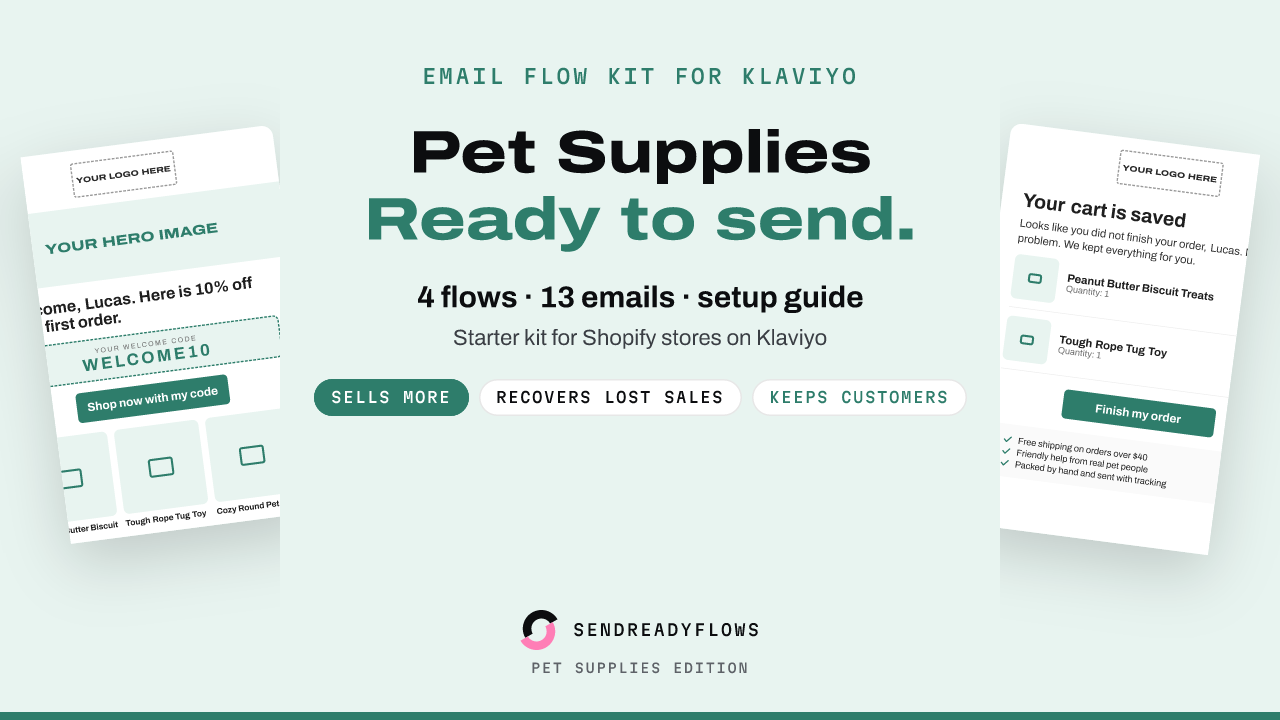
The Starter Email Flow Kit for Klaviyo: Pet Supplies Edition ($12) has these 3 abandoned cart emails already written for a pet supplies shop, with the cart list, the checkout button and an optional small thank-you code in place. The flow plan lists the trigger, the filters and the waits above. You edit the shipping, returns and damage lines to match your shop, then follow the install guide. It also has welcome, post-purchase and win-back flows, 13 emails in all. Klaviyo has no flow import, so you build each flow by hand. Results depend on your shop and list, and no result is promised.
Get the Starter Email Flow Kit for Klaviyo: Pet Supplies Edition
Not affiliated with Klaviyo or Shopify.
The email designs and copy in the kit were made with AI help and curated by the seller.
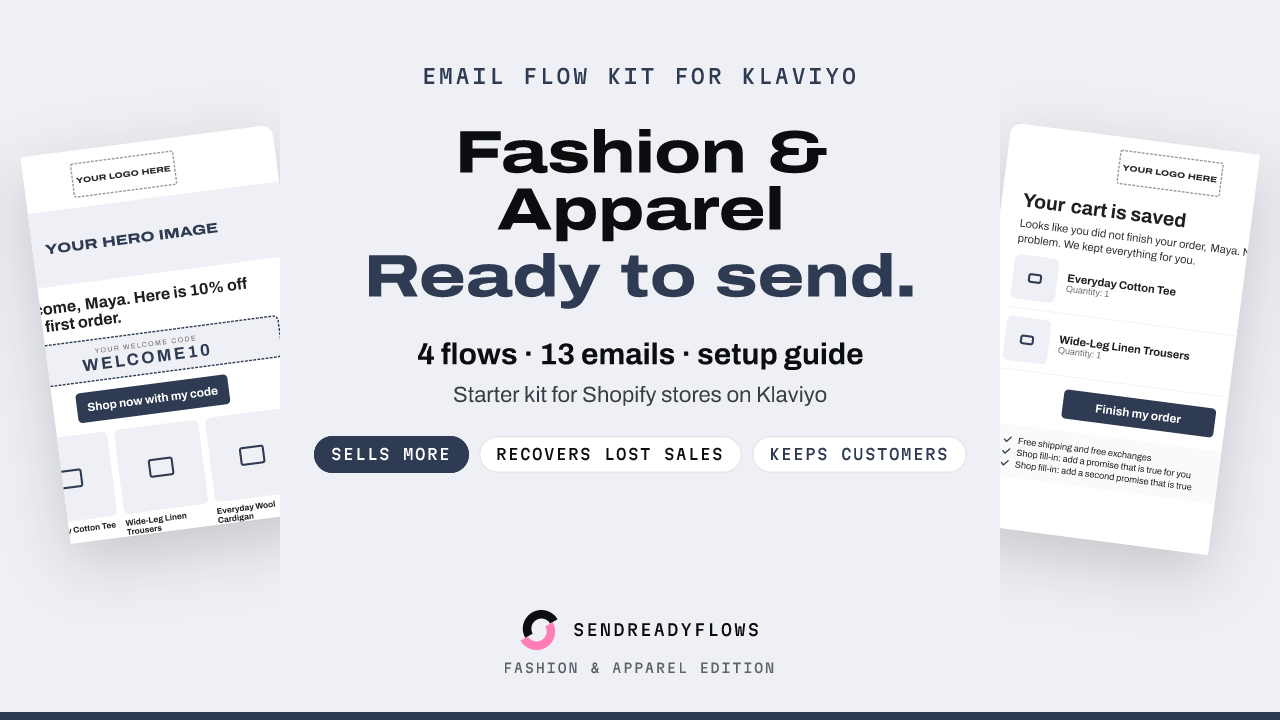
Starter Email Flow Kit for Klaviyo: Fashion Edition
$12 one-time, instant download
Get the kitStarter Email Flow Kit for Klaviyo: Pet Supplies Edition
$12 one-time, instant download
Get the kit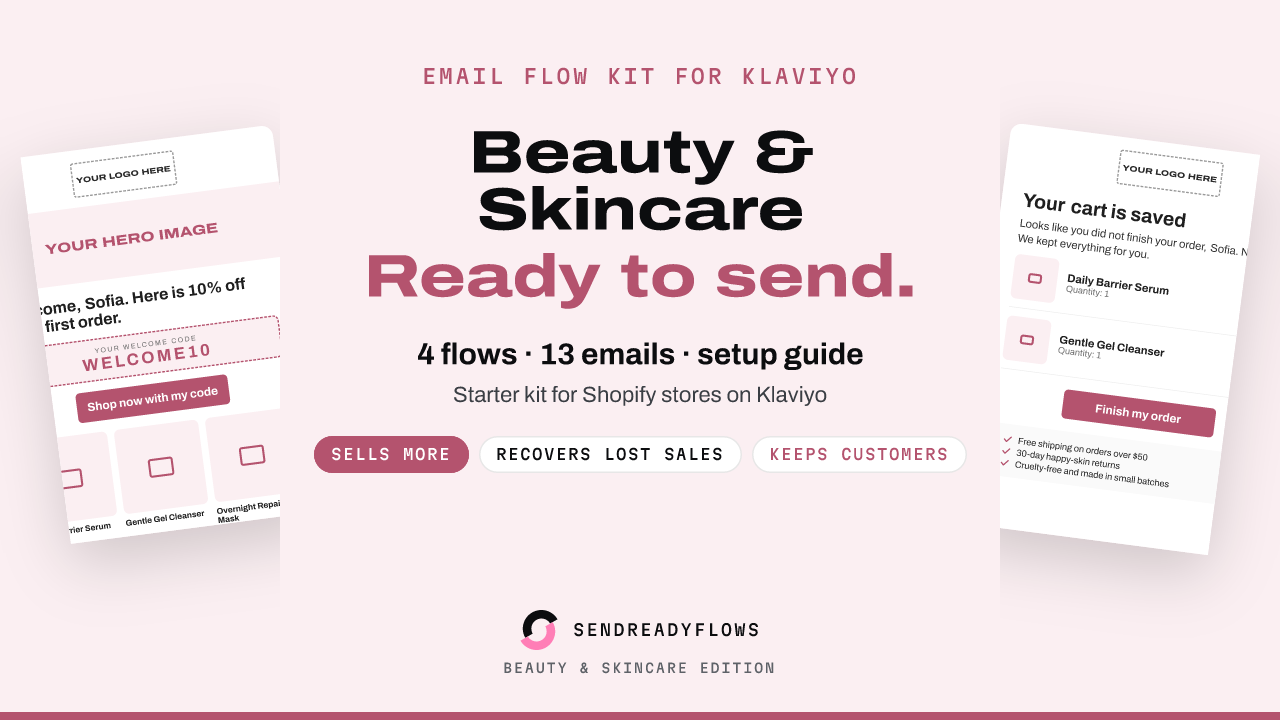
Starter Email Flow Kit for Klaviyo: Beauty and Skincare Edition
$12 one-time, instant download
Get the kitWritten with AI help and checked before publishing. Not affiliated with Klaviyo or Shopify. A SHOK venture (shok.company). Owned and operated by Brinvik (brinvik.com), CVR 46724399