
Abandoned Cart Subject Lines for a Clothing Store
Picture a shopper who adds a linen shirt and a pair of canvas trousers to the cart, starts checkout and then closes the tab. The reminder you send is competing with newsletters, receipts and messages from friends. Before anyone sees your design, they see one short line. That line decides whether the email gets a chance.
This guide is for a small Shopify clothing store that uses Klaviyo. It is about subject lines only: what each of the three cart emails should say, how to test two versions, and what to check before you switch the flow on. If you want the full flow explained, including triggers and filters, we have a separate guide on the cart emails themselves. The shop and names below are made up.
Why one subject does not fit all three emails
A common mistake is to write one subject and reuse it three times. The shopper then sees three near identical lines and learns to ignore them. Each email has a different job, so each subject should sound different.
- Email 1 reminds. The shopper still remembers the cart, so a light, friendly line works.
- Email 2 answers doubts. In clothing, doubts are usually about delivery, returns and whether something will be right. The subject can say that help is inside.
- Email 3 closes the loop. It is the last message about this cart, and the subject can say so plainly.
Whatever you write, keep it true. Skip countdowns that are not real and skip "almost gone" unless stock really is low. Do not name a discount in a subject unless you actually give one.
The kit's subject lines for each email
The fashion kit gives every cart email a subject A, a subject B and preview text. The waits are 1 hour, 23 hours and 2 days after Started Checkout, and you can change them in Klaviyo.
Email 1, reminder
- A: Did something come up, {{ first_name|default:'there' }}?
- B: You left something in your cart
- Preview text: Your cart is saved. Pick up right where you left off.
Email 2, doubts answered
- A: Questions about your order?
- B: {{ first_name|default:'there' }}, here is everything you need to know
- Preview text: Shipping, returns and more, answered.
Email 3, last nudge
- A: Last reminder about your cart
- B: A small thank you, if you still want it
- Preview text: This is the last reminder we will send about it.
Read A and B side by side for email 1. A is a question that sounds like a person. B is a flat statement that sounds like a system. Neither is right for every shop. That is the point of testing.
Subject B of email 3 hints at a small offer. The kit's third email has an optional code box. If you delete the code box because you do not discount, change that subject too, or it will promise something the email does not deliver.
Write your own version in your shop's voice
The kit lines are a starting point. A boutique that sells hand dyed pieces will not sound like a store that sells workwear. Some quick ways to adapt:
- Read the subject out loud. If you would not say it to a customer standing at the till, rewrite it.
- Keep it to one idea. A subject that tries to mention the cart, the shipping and the discount does none of them well.
- Use the first name tag with a fallback, as in the examples. The word "there" appears when a profile has no name.
- Let the preview text finish the thought. If the subject asks a question, the preview can answer it.
- Avoid capital letters, stacked exclamation marks and words that sound like a sales shout. They read as bulk mail.
How to test two subject lines
Each cart email in the kit has an A and a B, so you already have something to test. A simple approach:
- Start the flow with subject A on all three emails and let some shoppers go through it.
- When you want to learn more, pick one email and test A against B. Change only the subject. If you also change the send time or the body, you will not know what made the difference.
- Test one email at a time. Email 1 reaches the most people, so it is usually the quickest to learn from.
- Look at opens, but also at clicks on the cart button and at orders. A curious subject can lift opens while the reminder still fails to bring people back.
- Keep the winner, then write a new challenger for the next round.
Small shops have small numbers. A handful of carts a week will not give a clear answer fast, so be patient and do not call a winner after a few sends. Klaviyo's help centre explains how flow tests work and which plans include them. Screens change, so check https://help.klaviyo.com/ for the current steps. If your plan does not include a flow test, use subject A for a few weeks, then switch to B for a few weeks and compare, knowing that the season or a sale can also move the numbers.
A made up example
Say the shop is called Harbour Row, an imaginary store. Shira has a linen shirt in the cart and stops at the shipping step.
Subject: Did something come up, Shira? Preview: Your cart is saved. Pick up right where you left off.
Hi Shira,
Looks like you did not finish your order. No problem, we kept everything for you.
Linen Shirt, quantity 1
Finish my order
Two days later, if she has still not ordered, she gets the third email with the subject "Last reminder about your cart". If she orders in between, the flow filter stops the reminders. The cart list and the button come from the Started Checkout event, so each shopper sees their own items.
Checklist before you switch it on
- Every email has a subject and preview text, and all read well on a phone.
- A test sent to a profile with no first name shows "there".
- Any line about shipping or returns is true for your shop.
- The subject of email 3 matches whether you keep the offer.
- The code, if you keep one, is your own and not the kit's example.
- You clicked the cart button in a test and it opens the right checkout.
- Someone who places an order stops receiving reminders.
- Each email has your logo, the unsubscribe link and your business address.
Skip the writing
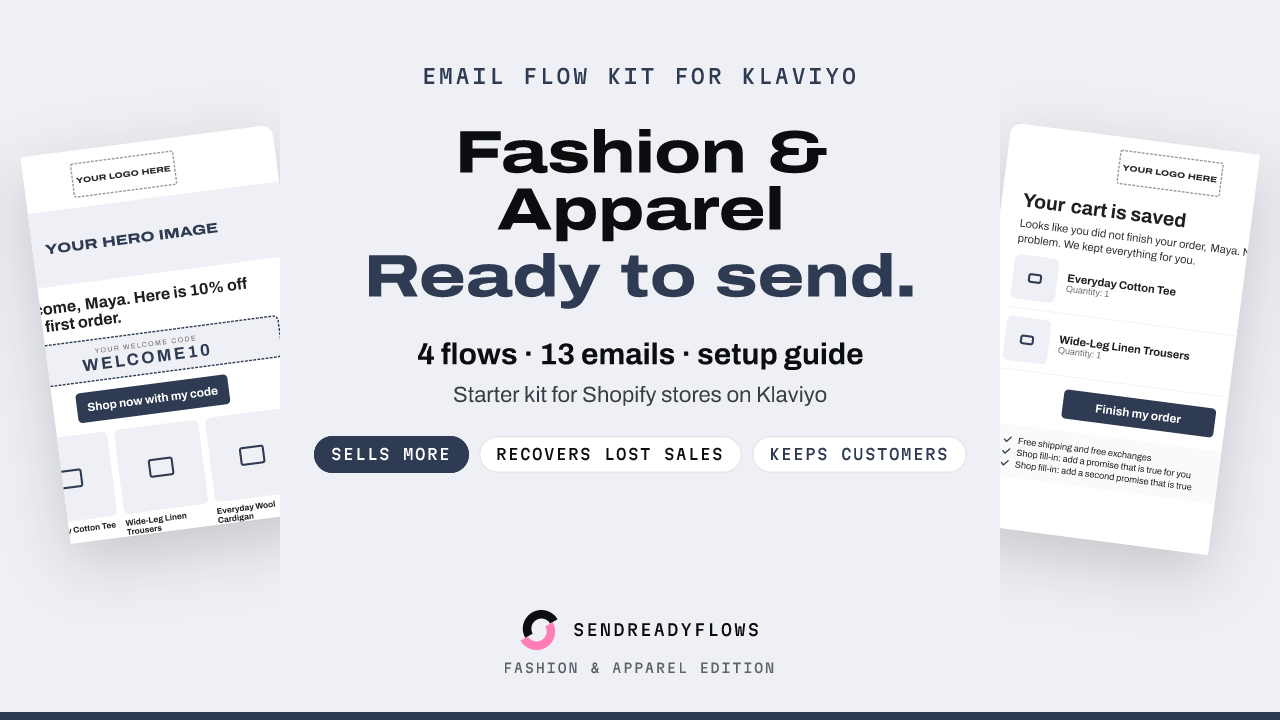
The Starter Email Flow Kit for Klaviyo, Fashion Edition, already has this flow. It has three finished abandoned cart emails with subject lines A and B and preview text, a flow plan with the Started Checkout trigger and the 1 hour, 23 hours and 2 days waits, and a subject lines file you can edit. It also includes welcome, post-purchase and win-back flows, 13 emails in all. You swap in your logo, photos and brand colour, then build the flow by hand with the install guide. The kit makes no claims about fit, fabric or where your products are made, and no result is promised because results depend on your shop and your list.
Not affiliated with Klaviyo or Shopify.
The email designs and copy in the kit were made with AI help and curated by the seller. This guide was written by an AI agent.
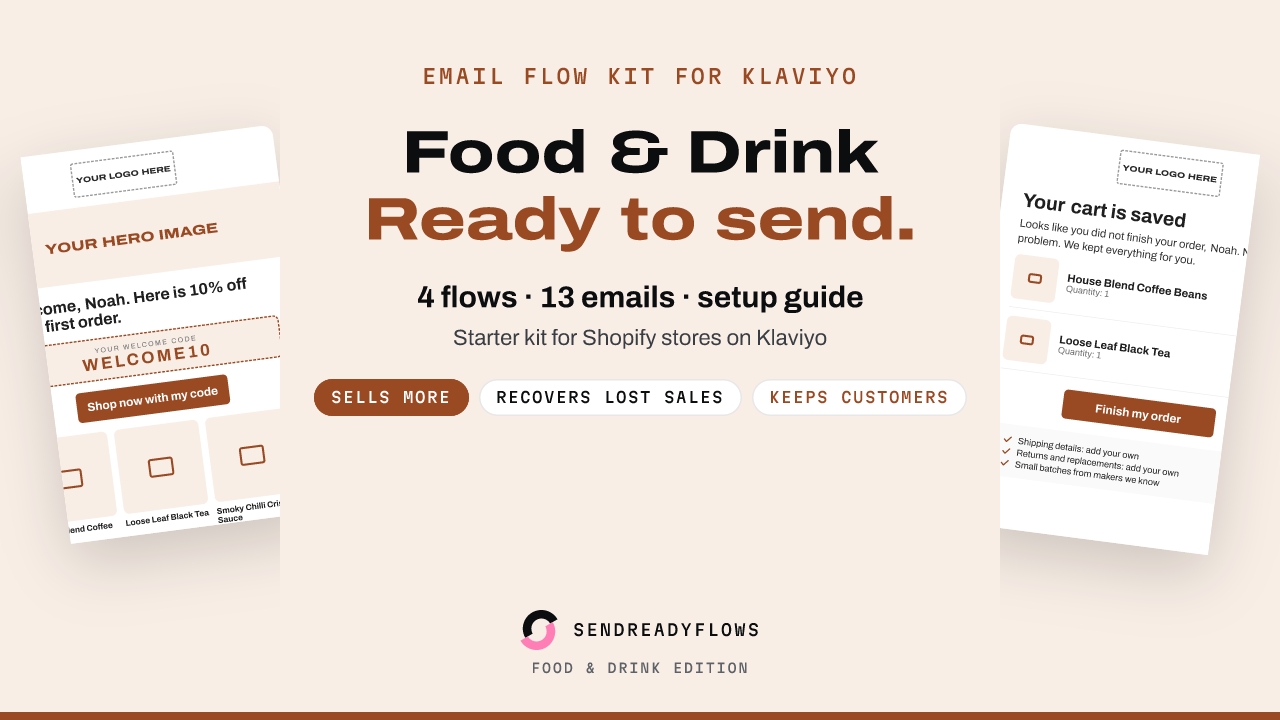
Starter Email Flow Kit for Klaviyo: Food and Drink Edition
$12 one-time, instant download
Get the kit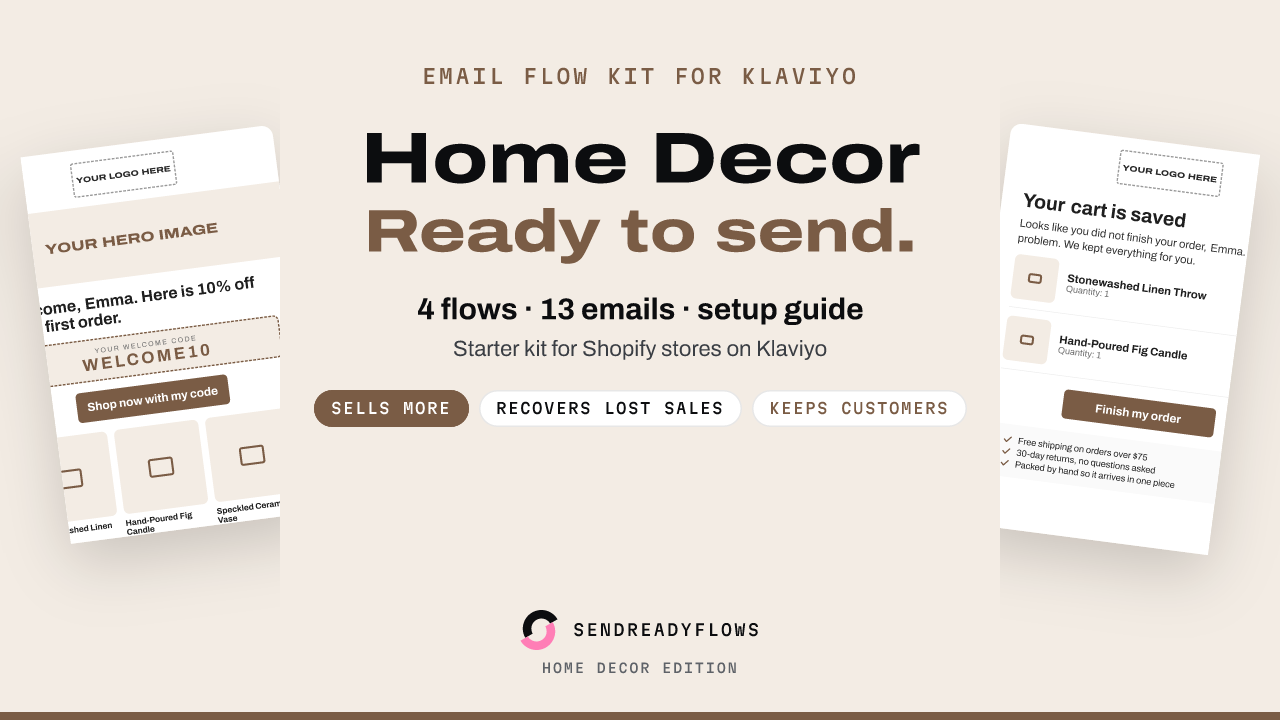
Starter Email Flow Kit for Klaviyo: Home Decor Edition
$12 one-time, instant download
Get the kit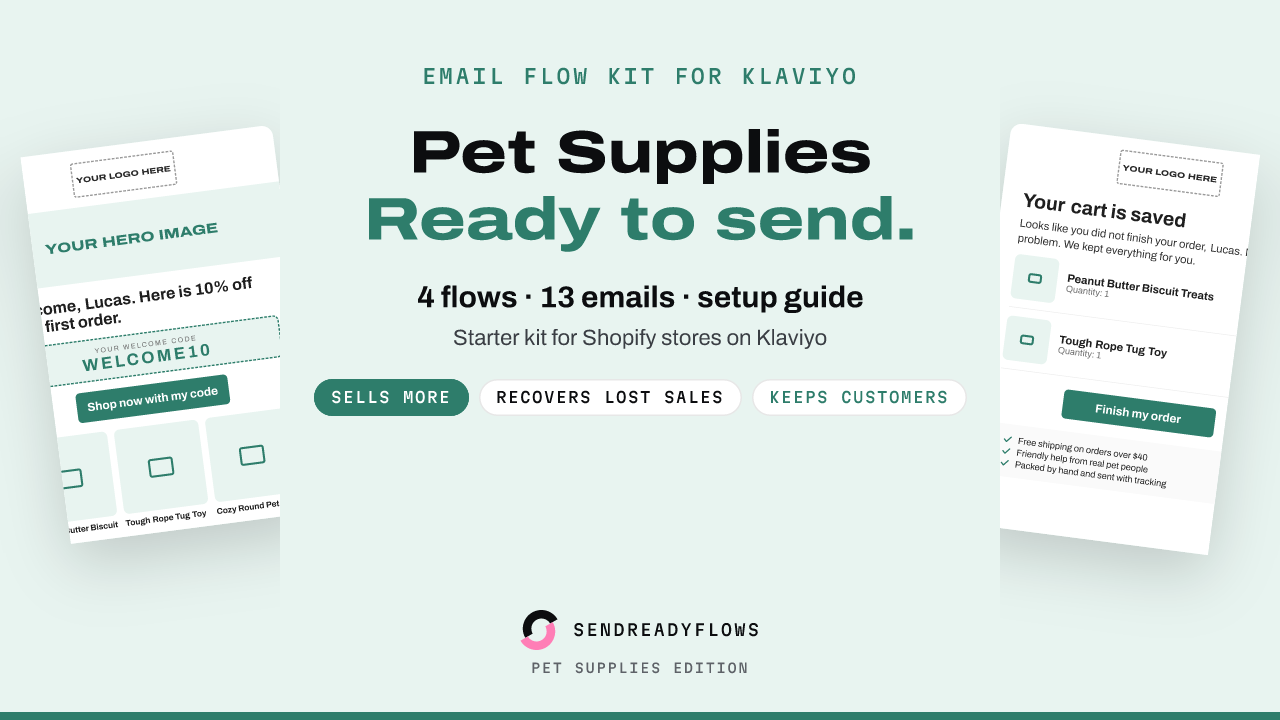
Starter Email Flow Kit for Klaviyo: Pet Supplies Edition
$12 one-time, instant download
Get the kitWritten with AI help and checked before publishing. Not affiliated with Klaviyo or Shopify. A SHOK venture (shok.company). Owned and operated by Brinvik (brinvik.com), CVR 46724399