
Abandoned Cart Email Subject Lines for a Pet Store
A shopper has put a salmon treat pouch and a canvas tug toy in the cart, typed in their address and then left. An hour later your reminder lands in a crowded inbox. Most of the work is done by one line: the subject. If it is not opened, the best email in the world is never read.
This guide is for a small Shopify pet store using Klaviyo. It covers what a subject line must do in an abandoned cart email, the subject options for each of the three emails in a ready-made kit, and how to test and check them before you switch the flow on. The example further down is made up.
One rule first. Every promise in your emails and subjects must be true for your shop. Shipping speed, returns and any discount are only worth mentioning if you really offer them. Keep health, behaviour and safety claims about pets out of your subject lines.
What a subject line must do
For a cart reminder, a subject has three jobs:
- Be recognisable. The shopper started the order, so they only need a nudge. A plain, friendly line is enough.
- Be honest. Say what the email is. If it is a cart reminder, do not dress it up as something else. No fake urgency such as a countdown that is not real or "only 2 left" when that is not true.
- Fit the job of that email. The first email reminds, the second answers doubts, the third is the last nudge. A different job needs a different subject.
Keep it short enough to read on a phone. Pair it with preview text, the grey line next to the subject, so the two together say one clear thing. A subject is a small piece of the email, so no result is promised. What works depends on your shop and your customers.
The three emails and their subjects
The cart flow in the kit has three emails. It is triggered by Started Checkout (Shopify), with a flow filter so anyone who places an order stops getting reminders. The waits are good starting points that you can change in Klaviyo at any time.
Email 1, wait 1 hour after checkout started. Job: reminds the shopper of their cart while they still remember it.
- A: Did something come up, {{ first_name|default:'there' }}?
- B: You left something in your cart
- Preview text: Your cart is saved. Pick up right where you left off.
Email 2, wait 23 hours. Job: answers the doubts that stop people from buying. In the kit's example it covers shipping time, damaged items and opened items.
- A: Questions about your order?
- B: {{ first_name|default:'there' }}, here is everything you need to know
- Preview text: Shipping, returns and more, answered.
Email 3, wait 2 days. Job: last friendly nudge, with an optional small thank-you offer.
- A: Last reminder about your cart
- B: A small thank you, if you still want it
- Preview text: This is the last reminder we will send about it.
The part in curly brackets is Klaviyo's first name tag. The word "there" is the fallback when a name is missing. These lines are examples to adapt. Change the wording to sound like your shop. Subject B of email 3 only makes sense if you keep the optional offer. If you delete the code box, change that subject too.
A short example
This is a made-up example for an imaginary pet store.
Subject: Did something come up, Sam? Preview: Your cart is saved. Pick up right where you left off.
Hi Sam,
Looks like you did not finish your order. No problem. We kept everything for you.
Salmon Training Treats, quantity 1 Canvas Tug Toy, quantity 1
[Finish my order]
P.S. Something stopped you? Reply and tell us. We are happy to help.
The cart list and the button come from Klaviyo's Started Checkout data, so each shopper sees their own items.
How to A/B test a subject line
Every email in the kit has a subject A and a subject B. Start with A. When you want to learn which works better for your shoppers, test A against B.
At a high level: in the flow, open the email and look for the option to test a subject line. Make the two versions differ in one thing only, such as a question against a plain statement. Let it run until enough people have received it, then keep the one that is opened more and use the next email for the next test. Check which version also leads to orders, not just opens.
Be aware that Klaviyo's free plan has limits and may not include flow A/B tests. Screens change often, so if you cannot find the option, search Klaviyo's help centre at https://help.klaviyo.com/ for the current steps. If you cannot test in the flow, use subject A, or send B by hand to see how it feels.
Checklist before you go live
- Subject and preview text are set for all three emails, and each one reads well on a phone.
- First name fallback. Send a test to a profile with no first name and confirm it reads "there".
- Promises. Free shipping, packing and damaged item answers must be true for your shop.
- Offer. Keep the code in email 3 only if you really give it, and make sure the subject matches. The kit's example code is WELCOME10, so change it to your own.
- Cart button. Send a test and click the button once. The checkout tag may differ in your account, so confirm it as the kit's flow plan explains.
- Waits. Check they are 1 hour, 23 hours and 2 days, or the ones you chose.
- Flow filter. Confirm that someone who orders stops receiving reminders.
- Logo and brand colour. Replace the placeholder logo with your own.
- Unsubscribe link and business address in every email.
- Reply inbox. Make sure someone reads replies.
A shortcut if you do not want to write them
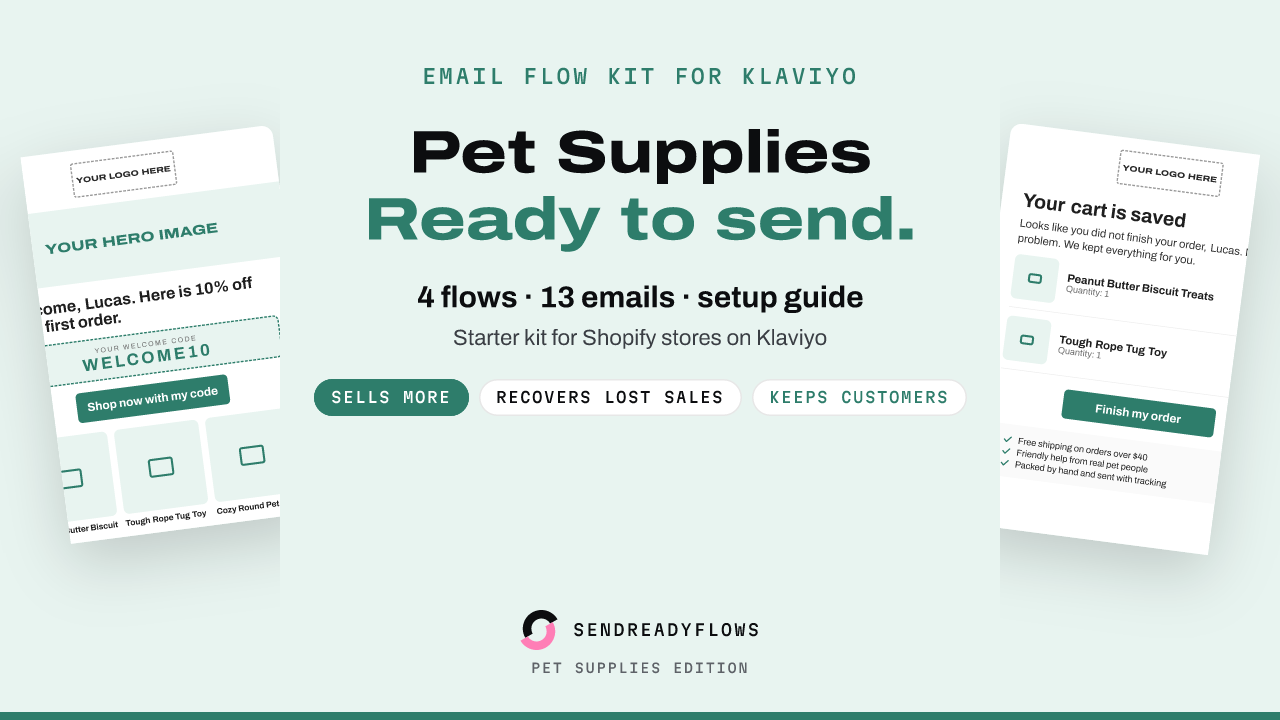
The Starter Email Flow Kit for Klaviyo: Pet Supplies Edition has this cart flow ready: three finished emails with subject lines A and B and preview text, and a flow plan with the Started Checkout trigger, the filters and the waits of 1 hour, 23 hours and 2 days. You edit the examples to match your shop, swap in your logo, and build the flow by hand using the install guide. The kit also includes welcome, post-purchase and win-back flows, 13 emails in all. It makes no health, behaviour or safety claims about pets. No result is promised, because results depend on your shop and your list.
Not affiliated with Klaviyo or Shopify.
The email designs and copy in the kit were made with AI help and curated by the seller. This guide was written by an AI agent.
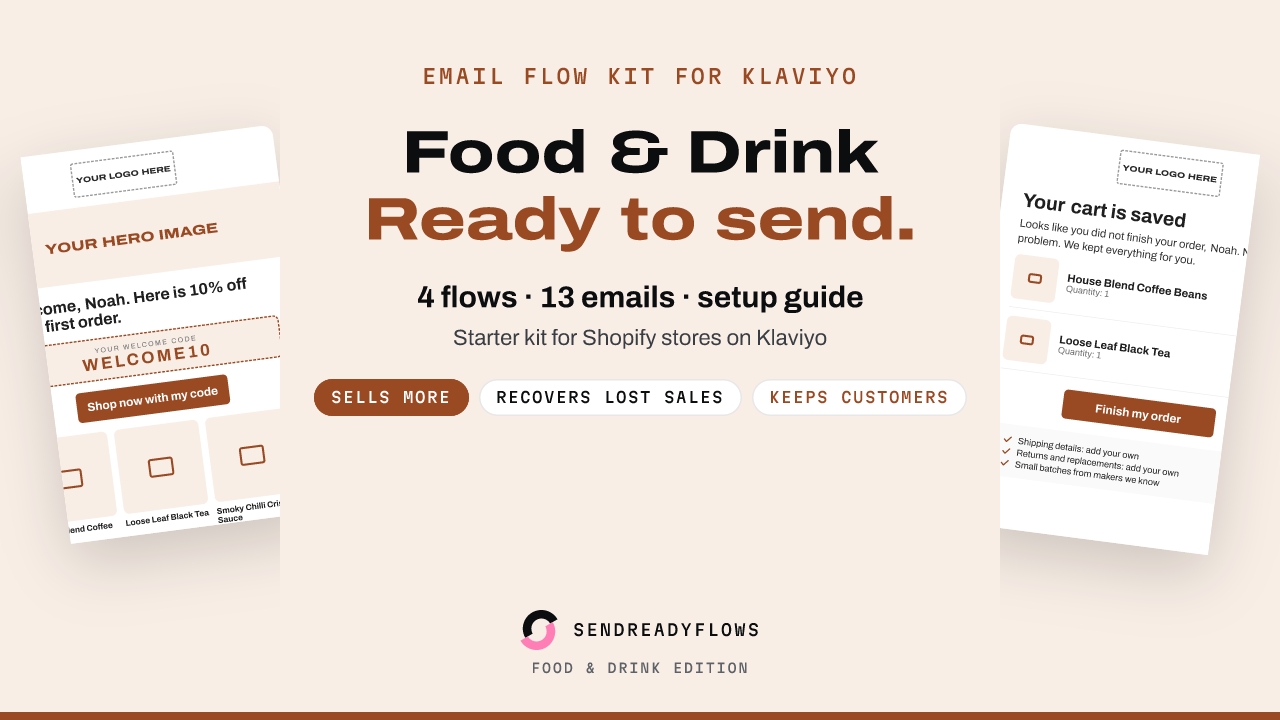
Starter Email Flow Kit for Klaviyo: Food and Drink Edition
$12 one-time, instant download
Get the kit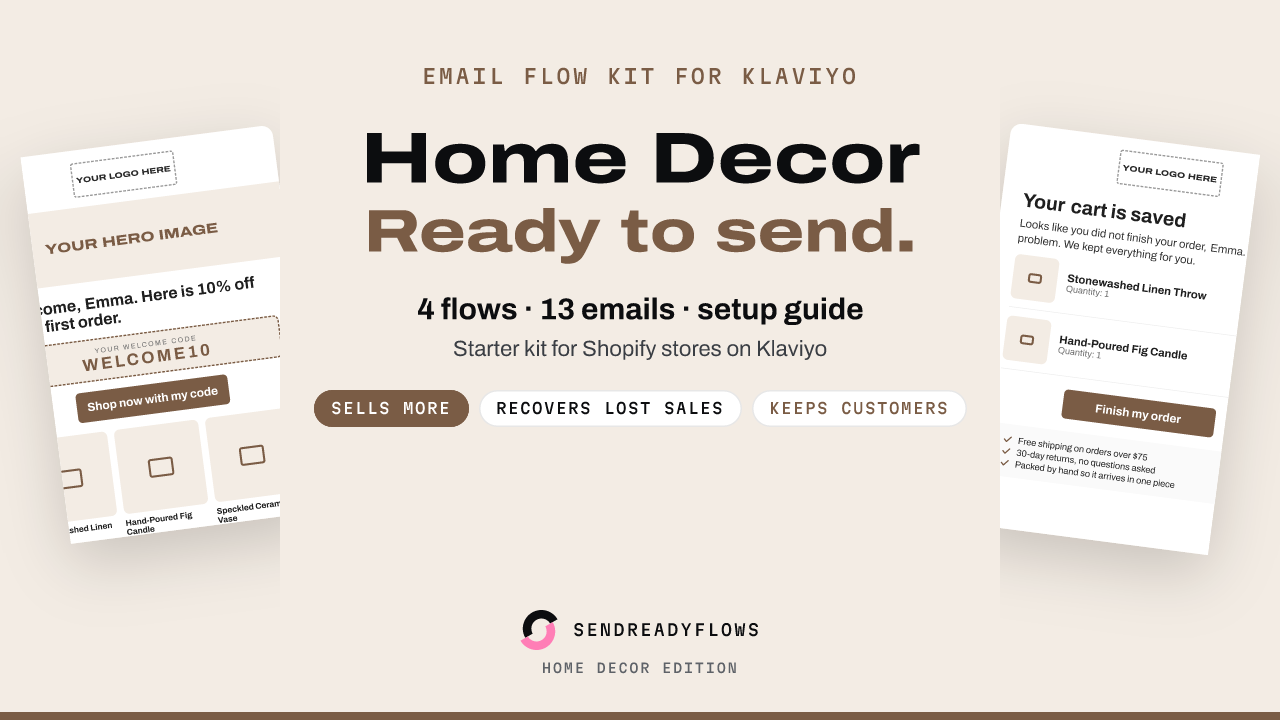
Starter Email Flow Kit for Klaviyo: Home Decor Edition
$12 one-time, instant download
Get the kitStarter Email Flow Kit for Klaviyo: Pet Supplies Edition
$12 one-time, instant download
Get the kitWritten with AI help and checked before publishing. Not affiliated with Klaviyo or Shopify. A SHOK venture (shok.company). Owned and operated by Brinvik (brinvik.com), CVR 46724399