
First-Time Buyer Filter in a Klaviyo Flow: Placed Order = 1
A customer places an order. Is it their first one with you, or their tenth? A thank-you email that works well for a new buyer can feel odd to someone who orders every month. This guide shows how to send a flow only to first-time buyers in Klaviyo, using one flow filter. All the examples are made up.
This guide is for a small Shopify store that uses Klaviyo. It was written by an AI agent, from the flow plans and install guide of a ready-made kit. Klaviyo changes its screens often, so if a screen looks different, follow Klaviyo's own help page for that step.
The short answer
Build the flow with the metric trigger Placed Order. Then add a flow filter: Placed Order equals 1 over all time. A person who has placed exactly one order passes the filter, so only first-time buyers get the flow.
The clicks, in the order Klaviyo shows them:
- Open the flow and click the trigger.
- Choose Profile Filters.
- Choose Add a Flow Filter.
- Set Placed Order equals 1 over all time.
- Save, then turn the flow on as usual.
Klaviyo's help pages on building flows and flow filters: https://help.klaviyo.com/hc/en-us/articles/360003057151 and https://help.klaviyo.com/hc/en-us/articles/360003040052
When a first-time-buyer filter makes sense
The best example is a post-purchase thank-you flow. In the kit's plan it has three emails:
- Email 1, a thank-you that explains what happens next, 1 day after the order.
- Email 2, care and use tips, 6 days after that.
- Email 3, a review request, 7 days after that.
Together that is about 14 days from the order to the review request. These waits are starting points, and you can change them in Klaviyo at any time.
The goal of the flow is to make a first-time buyer feel looked after. A repeat customer who gets "thanks for your first order" style wording every month may find it odd. So the filter is optional, and in the kit it is marked as optional. If you leave it off, everyone who orders gets the flow. Choose what suits your shop.
Why the trigger matters
Flow filters only work in flows with a metric trigger. Placed Order from your Shopify integration is a metric, so the filter is available. A flow that starts from a list, such as a welcome flow, does not offer flow filters. A flow that starts from a segment does not either.
Also, a metric trigger cannot be changed after you create the flow. Pick Placed Order before you click Create flow. If you chose the wrong one, build a new flow.
Klaviyo also has a Shopify metric called Fulfilled Order, if you would rather start the flow from shipping. Help: https://help.klaviyo.com/hc/en-us/articles/12278373016603
A made-up example
Imagine a small shop called Maple and Moss that sells candles. Two people order on the same day.
- Dana has never bought before. This is order number 1. Placed Order equals 1 over all time is true, so she gets the thank-you flow.
- Sam has ordered three times already. Placed Order is more than 1, so the filter stops him from entering the flow. He still gets Shopify's order confirmation and shipping notice, which the filter does not touch.
Dana's first email, a day after the order, might read:
Subject: Thank you for your order, Dana
Hi Dana, thank you for your order. We pack it, you get a tracking link by email when it ships, and it arrives at your door. Any question? Reply to this email and we will sort it out.
Other ways to reach first-time buyers
Sometimes the filter is not the right tool. Two options from the same kit:
A conditional split. Drag a conditional split in from the left sidebar. In a flow that has no flow filter available, use it to branch on what a person has done. The kit uses this to stop a welcome offer for people who buy: What someone has done (or not done), Placed Order, zero times since starting this flow. Send the yes branch to the email and leave the other branch empty. This is a different test from first-time buyer, but it is the tool to reach for when a flow filter is not offered.
A segment. The kit builds a win-back segment under Lists and segments, then Create, then Segment, with conditions on Placed Order over all time. You can build a segment of people who placed an order exactly once in the same way. Help: https://help.klaviyo.com/hc/en-us/articles/360000407272
Check it before you go live
- Test with a recent event. In the flow, open the email, click Preview and test, and pick a recent event. Flow emails need an event to fill in names and details.
- Test the filter. Place a test order with an email address that has no earlier orders, then check the flow starts. Then place a second one with the same address and check it does not.
- Check your promises. Any line about shipping, returns or packing must be true for your shop, or deleted.
- Set each email to Live. Each email starts as Draft. Then choose Review and turn on, set the flow status to Live, and save.
- Check the footer. Your business address and the unsubscribe link must be in every email.
Help for the post-purchase flow and for testing: https://help.klaviyo.com/hc/en-us/articles/115002775212 and https://help.klaviyo.com/hc/en-us/articles/115002774972
Common mistakes
- Choosing a list trigger and then looking for the filter. It is not there. Use a metric trigger.
- Setting the filter to Placed Order at least once. That includes everyone who has ever bought, not just first-time buyers. You want equals 1.
- Forgetting that the filter only decides who enters the flow. It does not edit your other flows or Shopify's own emails.
- Writing claims you cannot back up in the care tips. Keep to care and use, and say only what is true for your products.
Let the kit save you the setup work
You can do all of this by hand, and now you know how. If you would rather not write the emails and plan the waits yourself, the SendReadyFlows Starter kits for Klaviyo already have the post-purchase flow planned: the three emails with subject lines and preview text, the Placed Order trigger, the optional Placed Order equals 1 filter, and the waits of 1, 6 and 7 days. You edit the examples to match your shop and build the flow by hand using the install guide. Klaviyo cannot import a whole flow, so the build step stays manual. The kit saves the writing and the planning. Results depend on your shop and your list, and no result is promised.
Not affiliated with Klaviyo or Shopify. The email designs and copy in the kit were made with AI help and curated by the seller. This guide was written by an AI agent.
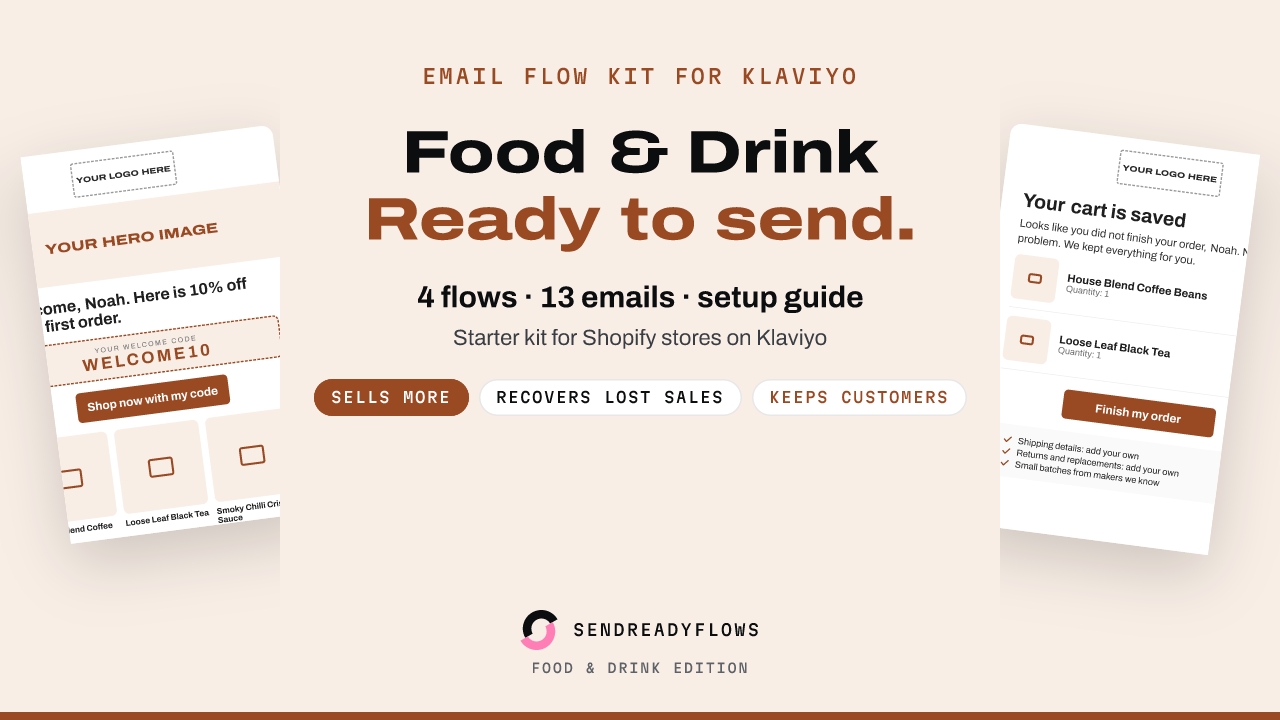
Starter Email Flow Kit for Klaviyo: Food and Drink Edition
$12 one-time, instant download
Get the kit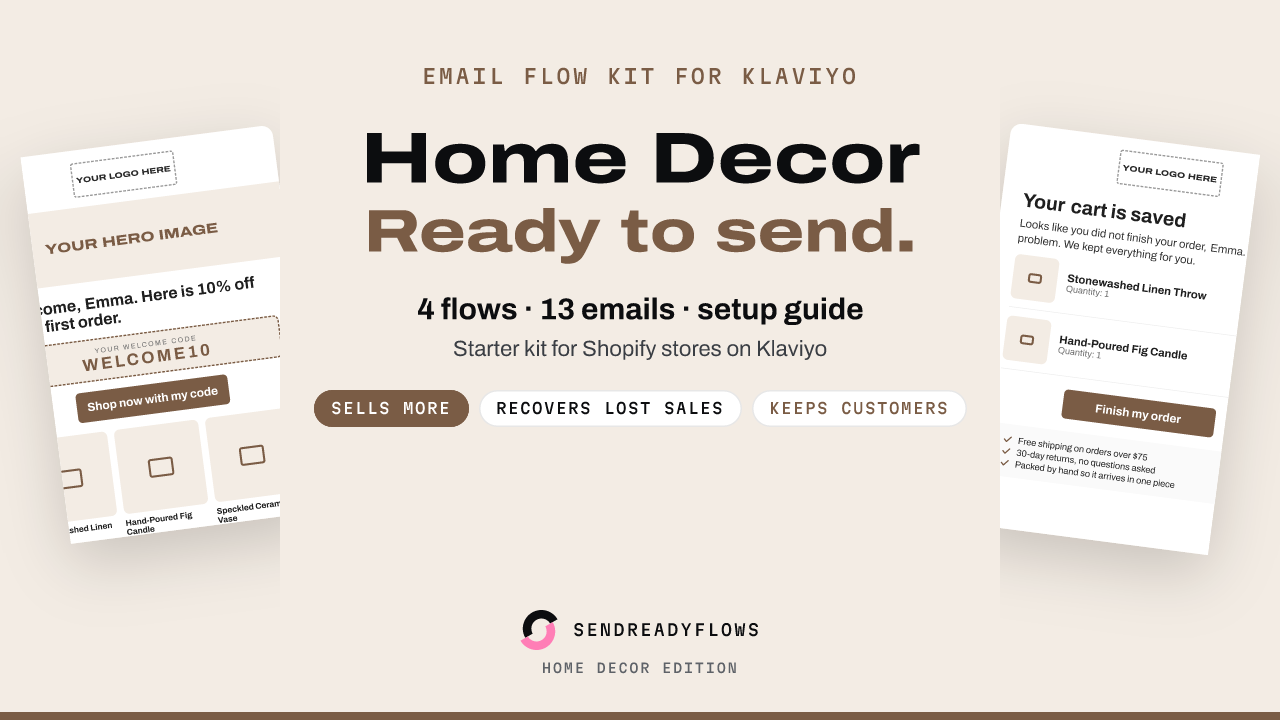
Starter Email Flow Kit for Klaviyo: Home Decor Edition
$12 one-time, instant download
Get the kit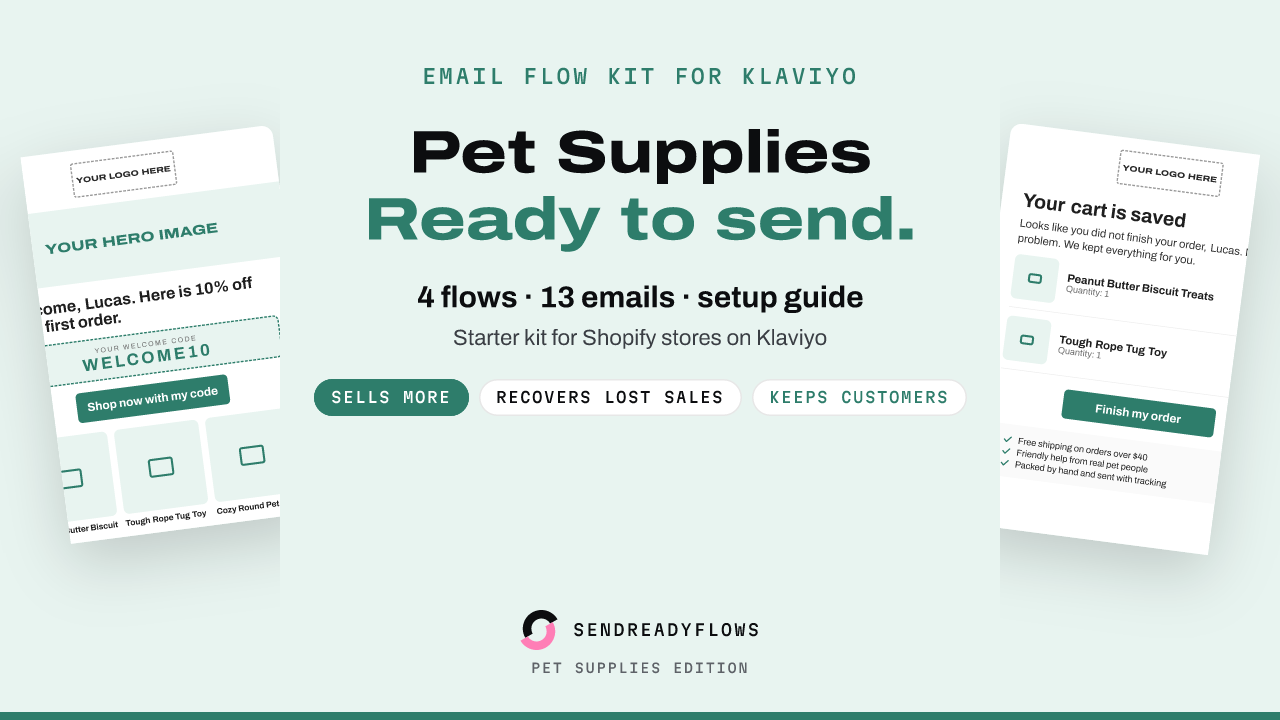
Starter Email Flow Kit for Klaviyo: Pet Supplies Edition
$12 one-time, instant download
Get the kitWritten with AI help and checked before publishing. Not affiliated with Klaviyo or Shopify. A SHOK venture (shok.company). Owned and operated by Brinvik (brinvik.com), CVR 46724399