
Post-Purchase Thank You Email for a Home Decor Store
A customer has just paid for a linen throw and a fig candle. Shopify's order confirmation went out in seconds. Then nothing. Home decor is bought with care, and a buyer who has spent money on a piece for their home wants to know what happens next. A post-purchase thank-you email answers that before they have to ask.
This guide is for a small Shopify home decor shop using Klaviyo. It covers the thank-you email, the two emails that follow it and how to build the flow. It uses the wording and timings from a ready-made kit, so you can see what each email does and what to check before you switch it on. The example further down is made up.
One rule first. Every promise in your emails must be true for your shop. Shipping speed, returns and "packed by hand" are only worth saying if you do them. Care advice must come from your own labels or your makers, not from a guess.
What a thank-you email is for
Its job is simple. Thank the buyer by name and say what happens next. It is not a sales email, and it is not the place for a discount code.
It does not replace Shopify's order confirmation or shipping notice. Those still go out. This one is a short, human note on top, sent a day after the order.
Clear next steps can cut "where is my order" messages. No result is promised, because it depends on your shop and your customers.
Email 1: the thank-you (wait 1 day after the order)
What to put in it:
- Thank them by first name, with a fallback word such as "there" when the name is missing.
- Three short steps. In the kit's example: "We pack your order" (usually within 1 to 2 business days), "You get a tracking link" (by email, as soon as it ships) and "It arrives at your door".
- A short "Good to know" list. The kit's example says "Free shipping on orders over $75", "30-day returns, no questions asked" and "Packed by hand so it arrives in one piece". These are sample promises. Keep only the ones that are true for your shop and change or delete the rest.
- A reply line: "Any question about your order? Reply to this email and we will sort it out." A real person should read those replies.
Subject line ideas from the kit:
- Thank you for your order, {first name}
- Your order is in good hands
Preview text idea: Here is exactly what happens next.
What comes after it
The thank-you works best as the first of three emails.
Email 2, care tips (wait 6 days). The kit's example gives three short tips: for linen, wash cold and dry flat; for candles, trim the wick to 5 mm before each burn; for ceramics, hand wash only and dry before you add flowers. These are examples. Replace each one with the care advice for your own products, taken from your labels or your maker, or delete the line. Do not keep a claim you cannot back up. Below the tips sit three related products with prices and one link to the shop. In the kit's example these are Stonewashed Linen Throw ($64), Hand-Poured Fig Candle ($28) and Speckled Ceramic Vase ($42). They are made-up products, so use your own.
Subject line ideas: "3 tips to get the most from your order" or "A quick guide for your new favourite".
Email 3, the review request (wait 7 days). One ask, one button, sent to every buyer, not only the ones you think are happy. The kit's example says: "We would love to hear how the piece looks in your home. It takes about a minute, and it helps other shoppers decide." It also says that if anything was not right, they can reply and you will help, and that an honest review helps other shoppers whatever they thought. In the kit the button points to your store URL, so swap it for your own review page or review app link. The waits add up to 1, then 6, then 7 days, so this email goes out about 14 days after the order. That is a starting point. If your pieces are large, made to order or shipped from far away, count more days so nobody is asked for a review before the parcel arrives.
Subject line ideas: "How is it going, {first name}?" or "Would you share your thoughts? (1 minute)".
A short example
This is a made-up example for an imaginary home decor shop.
Subject: Thank you for your order, Emma
Hi Emma,
Thank you for your order. Here is what happens next.
- We pack your order.
- You get a tracking link by email when it ships.
- It arrives at your door.
Any question about your order? Reply to this email and we will sort it out.
Your shop name
The business address and unsubscribe link go in the footer of every email.
Who gets the flow
The trigger is the Shopify Placed Order metric in Klaviyo. The kit's flow plan has one optional filter: only first-time buyers, set as Placed Order equals 1 over all time, for email 1. That way a loyal customer who orders every month does not get a new thank-you each time. If you do not set it, everyone who orders gets the flow. Choose what suits your shop.
Build it in Klaviyo
Klaviyo has no import for your own flows, so you build this one by hand.
- Flows, then Create flow, then Build your own.
- Choose Placed Order (Shopify) as the trigger.
- Add a time delay of 1 day, then email 1.
- Add a delay of 6 days, then email 2.
- Add a delay of 7 days, then email 3.
- Put your review link on the button of email 3.
- Keep the flow in draft, send yourself a test, then set each email to Live and turn the flow on.
Klaviyo changes its screens often. If a button is not where this guide says, search Klaviyo's help centre for the current steps.
Checklist before you go live
- Test order. Place a test order and confirm the flow starts.
- Timing. Check the waits match what you decided. Make sure nobody gets the review email before the parcel arrives.
- Promises. Free shipping, returns and packing claims must be true for your shop.
- Care tips. Check each tip fits your own products, and edit or delete any that does not.
- Your logo and photos. Replace the logo and product photo images with your own.
- Review link. Point the button to your review page or review app.
- Unsubscribe link and business address in every email.
- Reply inbox. Make sure someone reads replies from customers.
- Read it on a phone.
A shortcut if you do not want to write them
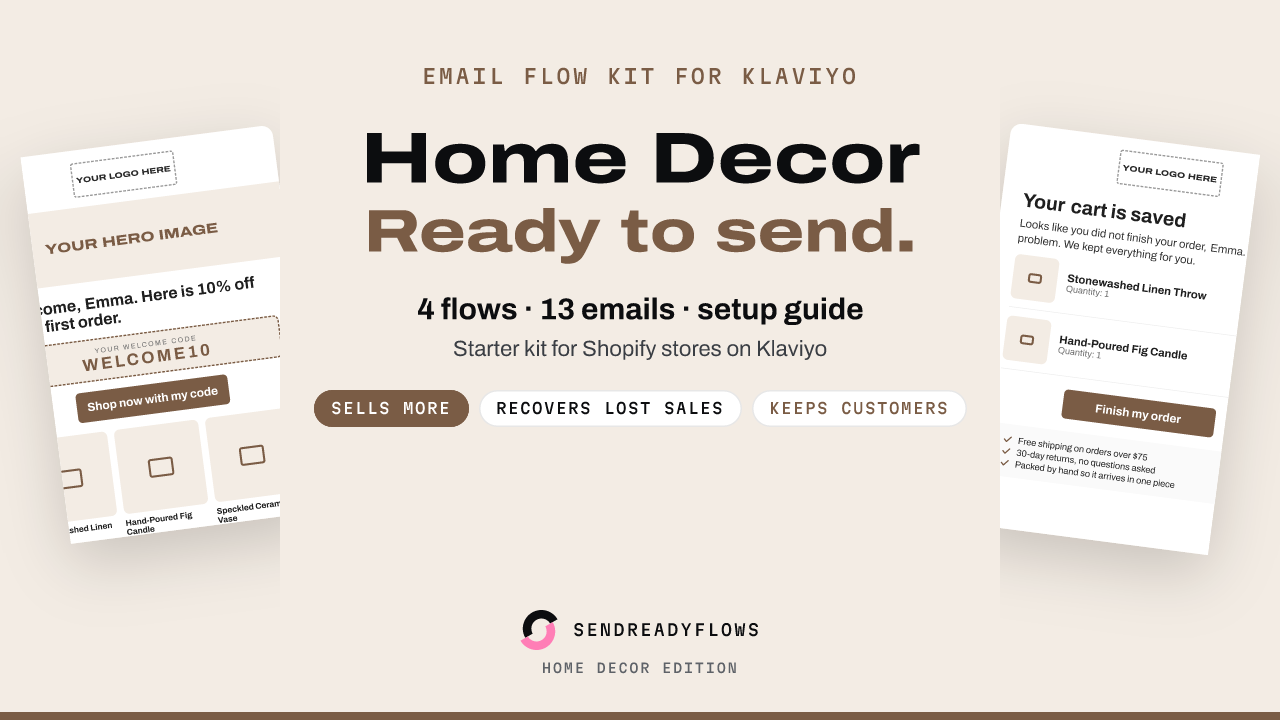
The Starter Email Flow Kit for Klaviyo: Home Decor Edition has this post-purchase flow ready: the three emails with subject lines and preview text, and a flow plan with the Placed Order trigger, the optional first-time buyer filter and the waits of 1, 6 and 7 days. You edit the examples to match your shop, swap in your logo and photos, change the review button to your own link and build the flow by hand using the install guide. The kit also includes welcome, abandoned cart and win-back flows, 13 emails in all. No result is promised, because results depend on your shop and your list.
Not affiliated with Klaviyo or Shopify.
The email designs and copy in the kit were made with AI help and curated by the seller. This guide was written by an AI agent.
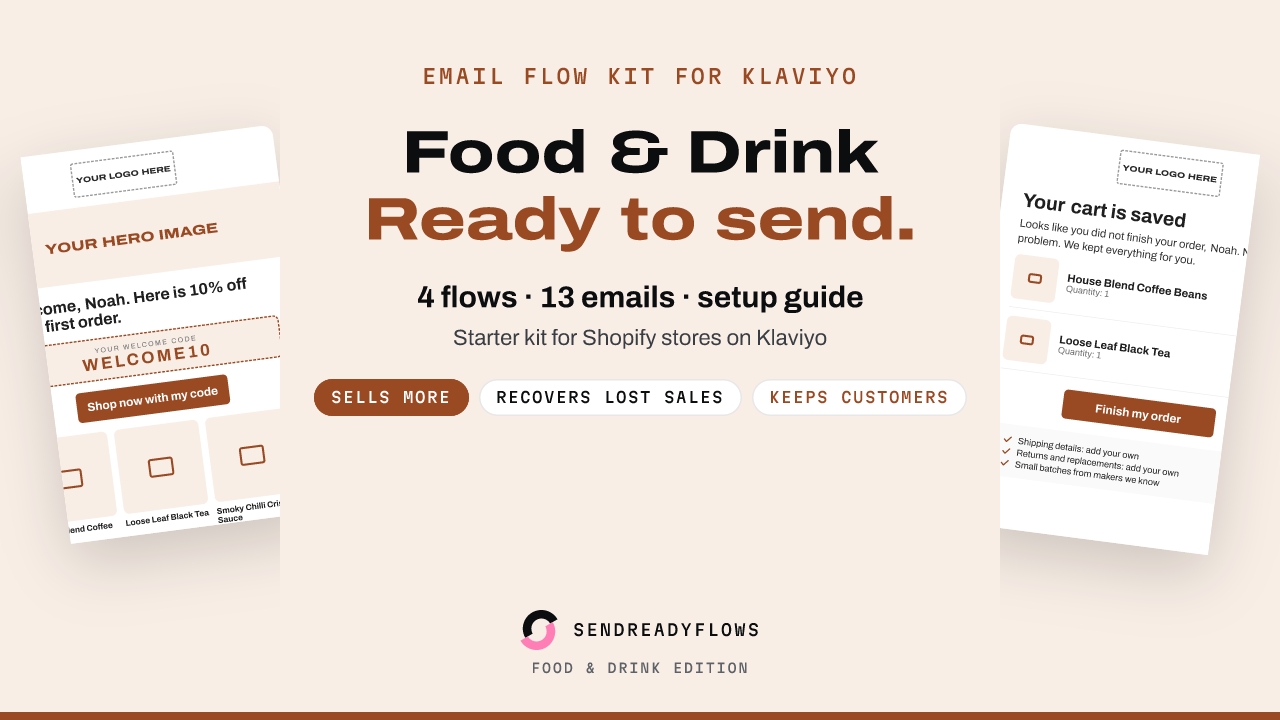
Starter Email Flow Kit for Klaviyo: Food and Drink Edition
$12 one-time, instant download
Get the kitStarter Email Flow Kit for Klaviyo: Home Decor Edition
$12 one-time, instant download
Get the kit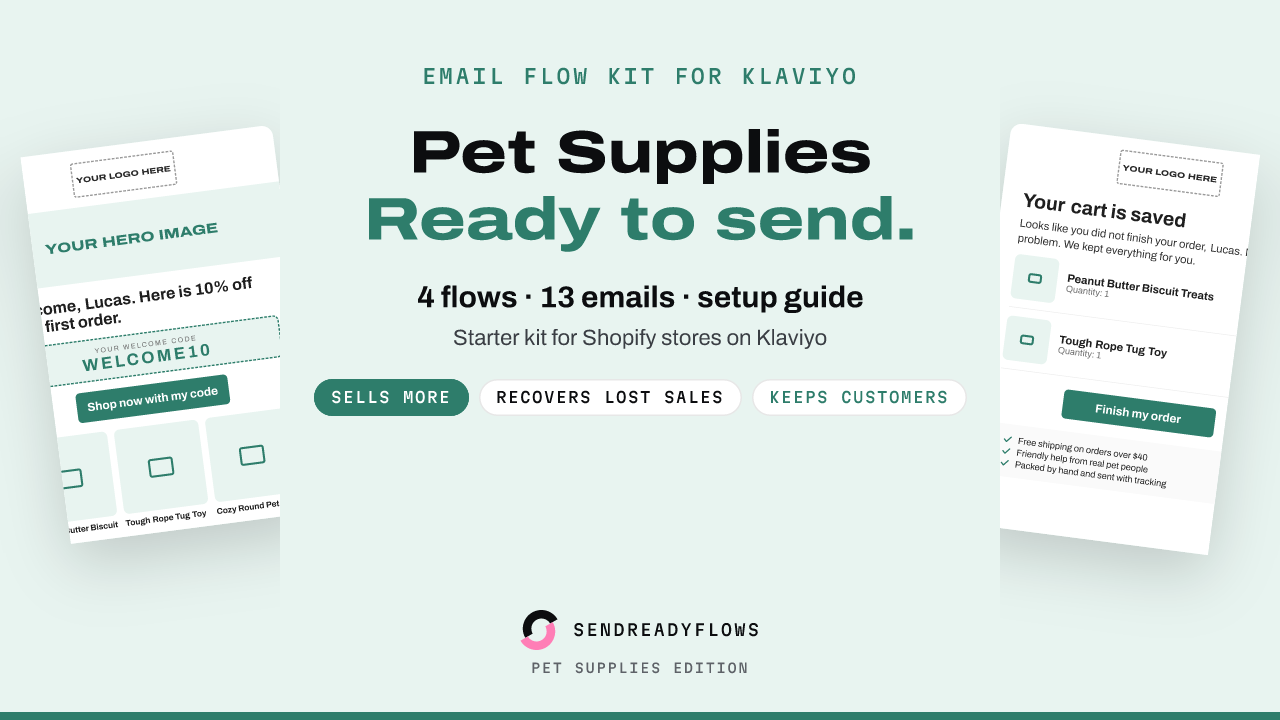
Starter Email Flow Kit for Klaviyo: Pet Supplies Edition
$12 one-time, instant download
Get the kitWritten with AI help and checked before publishing. Not affiliated with Klaviyo or Shopify. A SHOK venture (shok.company). Owned and operated by Brinvik (brinvik.com), CVR 46724399