
Review Request Email After Purchase for a Decor Store
A customer ordered a candle, a vase or a wall print. It arrived. Now you would like to know how it looks in their home, and you would like other shoppers to see it too. A review request email does that job. Sent at the wrong moment or written the wrong way, it just annoys people.
This guide is for a small Shopify shop using Klaviyo. It covers what the email is for, when to send it, what to write, and what to check before the flow goes live.
What the review request email is for
It has one job: ask a happy customer to say how the piece looks in their room. Reviews help the next visitor decide. For decor, a review that mentions size, colour or how the piece looks in a real room answers the questions a new shopper has.
It is not a sales email. No product grid, no discount push. One ask, one button.
When to send it
Wait until the item has arrived and the customer has had time to place it. These are suggestions, not figures from any study.
- Small items such as candles and ceramics: about 2 weeks after the order is a reasonable start.
- Furniture and large rugs: wait longer, because delivery and setup take more time.
- Slow shipping: count from the delivery date if you can, not the order date.
Watch your own replies. If people write "it has not arrived yet", you are sending too early.
What to write
Keep it short and warm.
- Greet by first name, with a fallback word for when the name is missing.
- Ask about the piece itself: "How does it look in your home?"
- Say it takes about a minute, only if that is true for your review page.
- One clear button to the place where reviews are left.
- Give an easy way out for unhappy customers: "Not happy with something? Reply to this email first and give us the chance to make it right." A real person should read those replies.
Rules that keep you honest:
- Do not offer a reward only for good reviews. Ask for an honest review.
- Do not invent a review or quote one you did not receive.
- Do not use fake urgency such as a countdown for the review.
Subject line ideas
- How is it going?
- How does it look in your home?
- A quick question about your order
- Tell us how it looks
Plain subject lines are a safe place to start. Test one against another when your list is big enough to show a difference.
A short example
This is a fictional example for a made-up shop called Birchwood Home.
Subject: How does it look in your home?
Hi Anna,
Your linen cushion cover should have settled in by now. We would love to hear how it looks in your living room. It takes about a minute, and it helps other shoppers decide.
[Leave a quick review]
Not happy with something? Reply to this email first and give us the chance to make it right.
Birchwood Home
The business address and unsubscribe link go in the footer.
Where it sits in a post-purchase flow
The review request works best as the last step of a short flow, after the buyer has been thanked and helped. A simple order:
- Thank-you: thank the buyer and explain what happens next.
- Care and styling tips: help them enjoy the piece.
- Review request: ask how it looks in their home.
By the third email the customer has heard from you twice with something useful, so the ask feels fair.
How to build it in Klaviyo
Per Klaviyo's help page on sharing flows, a flow cannot be imported from a file, so you build it step by step. Klaviyo's help pages show the current clicks for each part, and screens change, so check them as you go.
- Create a new flow in Klaviyo and choose the Shopify Placed Order metric as the trigger.
- Add a time delay, then an email. Add the next delay and email until you have your three steps.
- Put your review link on the button of the last email.
- Set the flow filters. You may want to limit the first email to first-time buyers.
- Keep the flow in draft, send yourself a test, then switch it live.
What your Klaviyo plan includes can change, so check your own plan and the help pages.
Checklist before you go live
- Test order. Place a test order and confirm the flow starts.
- Button link. Click the review button in the test email and confirm it lands in the right place.
- Timing. Check the waits match what you decided, and that nobody gets the review email before the item arrives.
- Unsubscribe link. Every email needs a working one.
- Business address footer. Your business name and postal address belong in every marketing email.
- Reply inbox. Make sure someone reads replies from unhappy customers.
- Phone check. Read the email on a phone.
A shortcut if you do not want to write it
The Starter Email Flow Kit for Klaviyo: Home Decor Edition ($12) has a post-purchase flow of 3 emails already written: a thank-you that explains what happens next, care and styling tips, and a review request. The suggested waits are 1 day, then 6 days, then 7 days, so the review request lands about 14 days after the order. You can change the waits in Klaviyo. The review button in the email points to your store URL, so swap it for your own review link. The kit also has welcome, abandoned cart and win-back flows, 13 emails in all, and an install guide. You edit the text and build each flow by hand.
Get the Starter Email Flow Kit for Klaviyo: Home Decor Edition
Not affiliated with Klaviyo or Shopify.
The email designs and copy in the kit were made with AI help and curated by the seller.
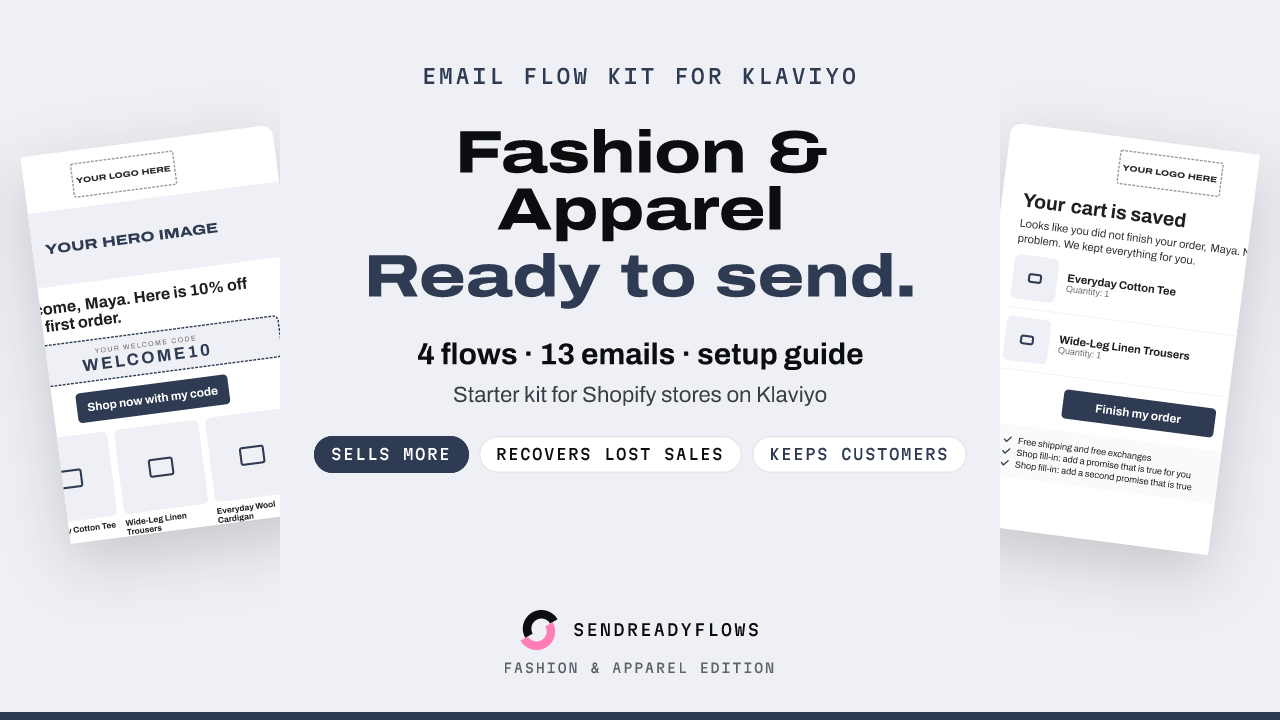
Starter Email Flow Kit for Klaviyo: Fashion Edition
$12 one-time, instant download
Get the kit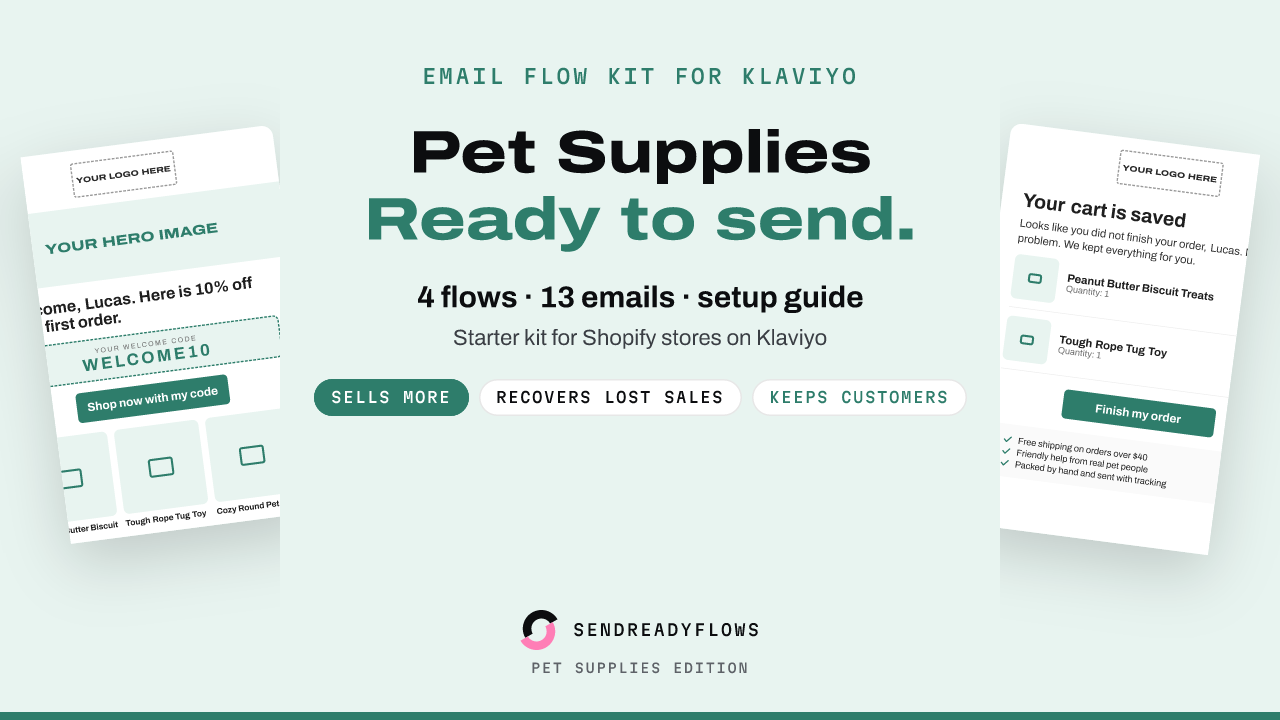
Starter Email Flow Kit for Klaviyo: Pet Supplies Edition
$12 one-time, instant download
Get the kit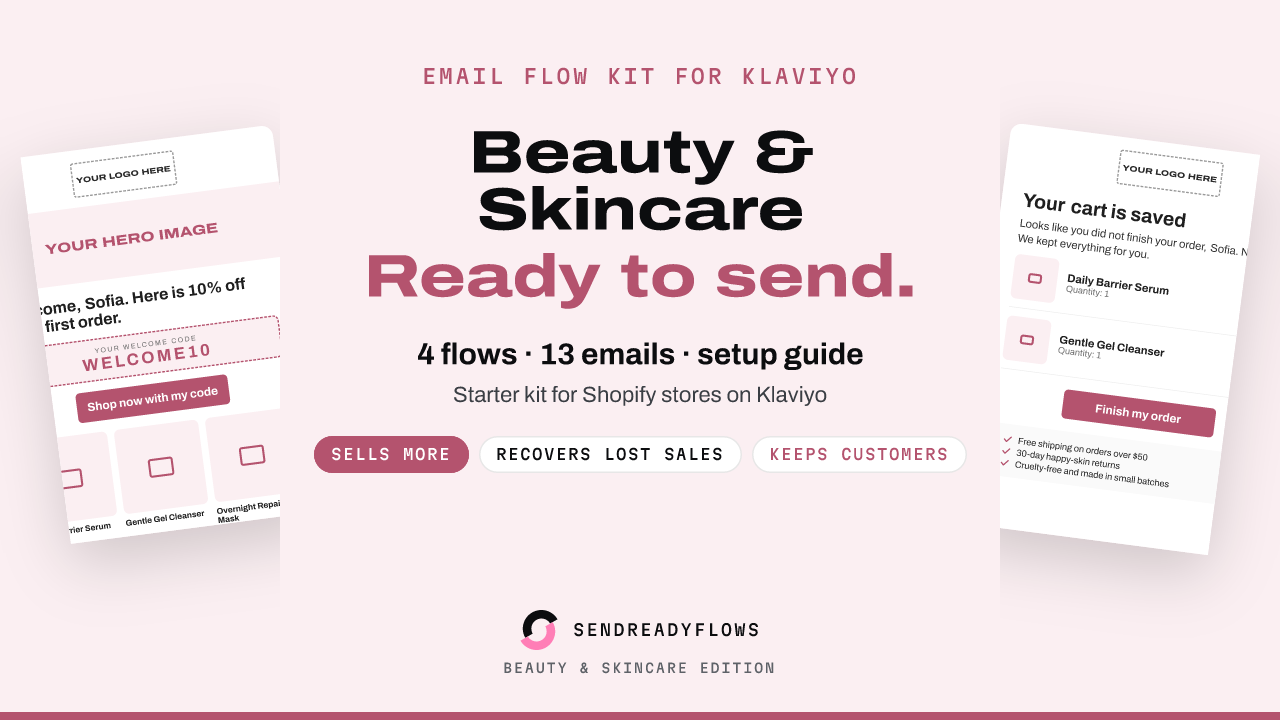
Starter Email Flow Kit for Klaviyo: Beauty and Skincare Edition
$12 one-time, instant download
Get the kitWritten with AI help and checked before publishing. Not affiliated with Klaviyo or Shopify. A SHOK venture (shok.company). Owned and operated by Brinvik (brinvik.com), CVR 46724399