
Welcome Email Series for a Pet Store: The First Week
Someone signs up for your pet shop list. Maybe they met your dog treats in a photo, or took a pop-up offer on the way out. Then nothing happens for a week, and by your next newsletter they have forgotten who you are. A welcome series closes that gap.
This guide answers one question: what should a pet store send new subscribers in the first week? It is for a small Shopify pet supplies shop on Klaviyo. It covers what the series is for, what four emails should do, when to send them and what to check before you switch it on.
What a welcome series is for
A welcome series is a short run of emails that starts when someone joins your list. Its job is to turn a new subscriber into a first order.
Pet owners are careful buyers. They want the right size, the right toy for how their dog or cat plays, and a shop that ships on time and answers questions. So the series does two things: it shows a few products, and it makes a first order feel safe.
The four emails
The examples below use a made-up shop called Juniper & Bone, selling treats, toys and beds. The shop is fictional.
Email 1: welcome and first-order offer
Send it right away.
Job: say thank you, deliver the welcome offer if you have one, and show your bestsellers.
- Thank them in one or two sentences.
- Put the offer code or link near the top and say what it covers.
- Show two or three bestsellers with photos, for example a bag of treats, a tug toy and a pet bed, with one button to the shop.
- Add a few lines on why people shop with you, such as shipping and packing, but only as you really do it.
- Invite a reply. A real person should read those replies.
- Only offer something you are happy to give every new subscriber.
Subject line ideas:
- Welcome to Juniper & Bone
- Here is your welcome gift
- Thanks for joining us
Email 2: your story
Send it about 2 days later.
Job: build trust, so a first order feels safe.
- Say who you are and why you started the shop. Pet people like to buy from pet people.
- Keep it true and short. A real photo of you with your own dog or cat beats a polished slogan.
- Repeat what shoppers can count on: shipping, tracking and how you help, as it really is for your shop.
- Add a real customer review if you have one. If you have none, leave it out. Never invent one.
Subject line ideas:
- Why we started Juniper & Bone
- The story behind our shop
- A little about us
Email 3: help them pick a first product
Send it about 2 days after email 2.
Job: help an unsure shopper choose.
- Give a few plain tips. Pick a toy to match how the pet plays: tug, chase or cuddle. Measure the pet before choosing a bed or collar, and point to your size chart.
- Show two or three of your most loved products with one button.
- Keep it to advice about size and style. Do not claim a product is good for a pet's health, behaviour or safety unless you can back it up.
Subject line ideas:
- Not sure where to start?
- Three easy ways to pick a first favourite
- A quick guide to our most loved products
Email 4: a reminder for subscribers who have not bought
Send it about 2 days after email 3.
Job: bring back subscribers who have not bought yet, and remind them of their code.
- Remind them of the welcome code and say plainly what it covers.
- Answer the three doubts that stop pet owners ordering: how long shipping takes, what happens if an item arrives damaged, and whether an opened or used item can be returned. Say only what is true for your shop.
- No fake urgency. No countdown clock that resets. Only mention an end date if the offer really ends.
Subject line ideas:
- Your welcome code is still here
- A quick reminder from us
- Did you forget your welcome code?
When to send them
These are suggestions, not figures from any study. Start here and adjust to your shop.
- Email 1: right away.
- Email 2: 2 days later.
- Email 3: 2 days after that.
- Email 4: 2 days after that.
That puts the whole series inside the first week. Watch your own replies and orders. If it feels too pushy, widen the gaps.
Stop the series when someone buys
A subscriber who orders after email 1 should not get a reminder about a code they already used. In Klaviyo, add a conditional split before each later email that checks whether the person has placed an order since the flow started, and send buyers out of the flow. A list or segment trigger has no flow filter of its own, so the split is how you do it. Klaviyo's help centre explains flows and conditional splits: https://help.klaviyo.com
What to test
Change one thing at a time and give each test enough sign-ups to mean something.
- A subject line that names the shop versus a plain one.
- The offer in the subject versus saved for the email body.
- A photo of one product versus a grid of bestsellers.
- Longer or shorter gaps between emails.
Klaviyo's free plan has limits and may not include flow A/B tests, so check your plan first.
Checklist before you go live
- Consent. Your signup form needs a consent line and a link to your privacy policy.
- Test the offer. Use the welcome code yourself and confirm it applies at checkout.
- Unsubscribe link. Every email needs a working one.
- Business address footer. Your business name and postal address belong in every marketing email.
- Policies match the copy. Shipping times, damage and returns lines must match your shop page.
- No pet claims. Reread for anything about a pet's health, behaviour or safety and remove what you cannot back up.
- Stop on purchase. Confirm buyers leave the flow.
- Send yourself a test of each email and click every button.
- Read it on a phone. Many people read email on a phone, so check it there.
A shortcut if you do not want to write them
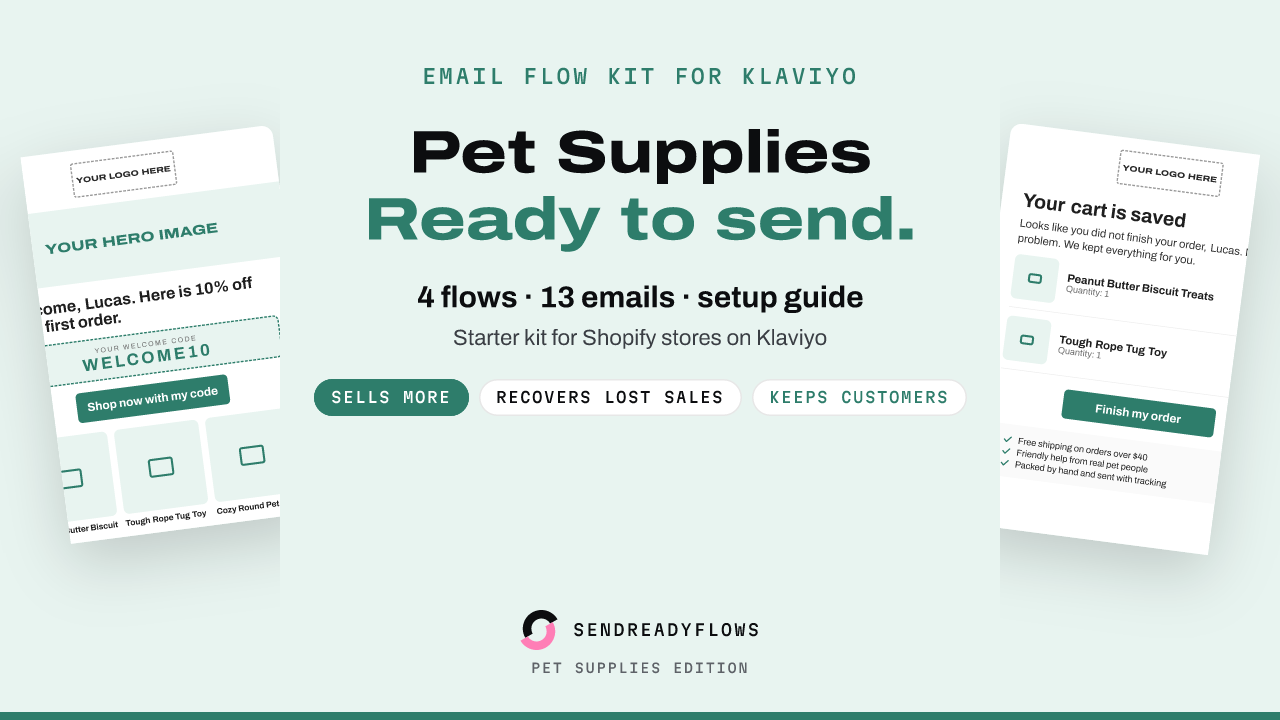
If you would rather not write all this from scratch, the Starter Email Flow Kit for Klaviyo: Pet Supplies Edition ($12) contains this 4 email welcome series already written for a pet supplies shop, with a plain text version of each email and a flow plan with trigger, filters and waits. It has 13 emails in 4 flows: welcome, abandoned cart, post-purchase and win-back. You swap in your logo, photos and products, check the statements about your shop, and build the flow in Klaviyo with the install guide. Klaviyo has no flow import, so you build each flow by hand. Results depend on your shop and list, and no result is promised.
See what is in the kit or go straight to the product page:
Starter Email Flow Kit for Klaviyo: Pet Supplies Edition
Not affiliated with Klaviyo or Shopify.
The email designs and copy in the kit were made with AI help and curated by the seller.
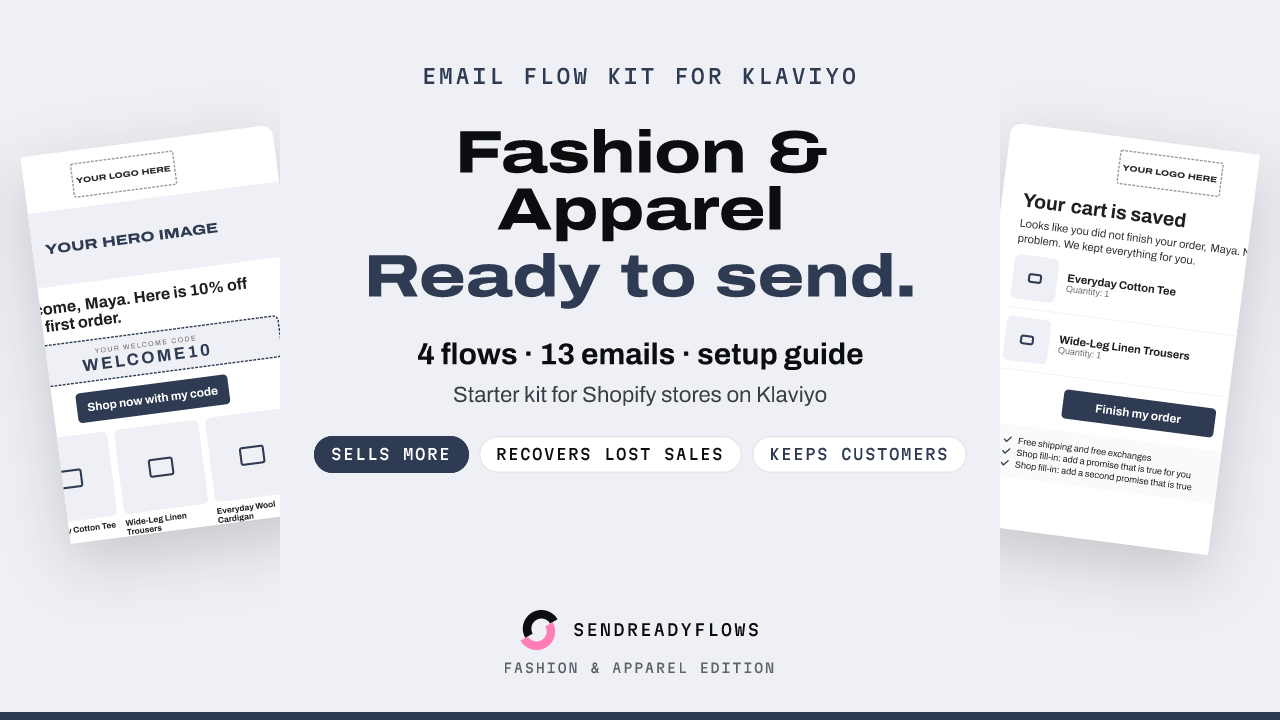
Starter Email Flow Kit for Klaviyo: Fashion Edition
$12 one-time, instant download
Get the kitStarter Email Flow Kit for Klaviyo: Pet Supplies Edition
$12 one-time, instant download
Get the kit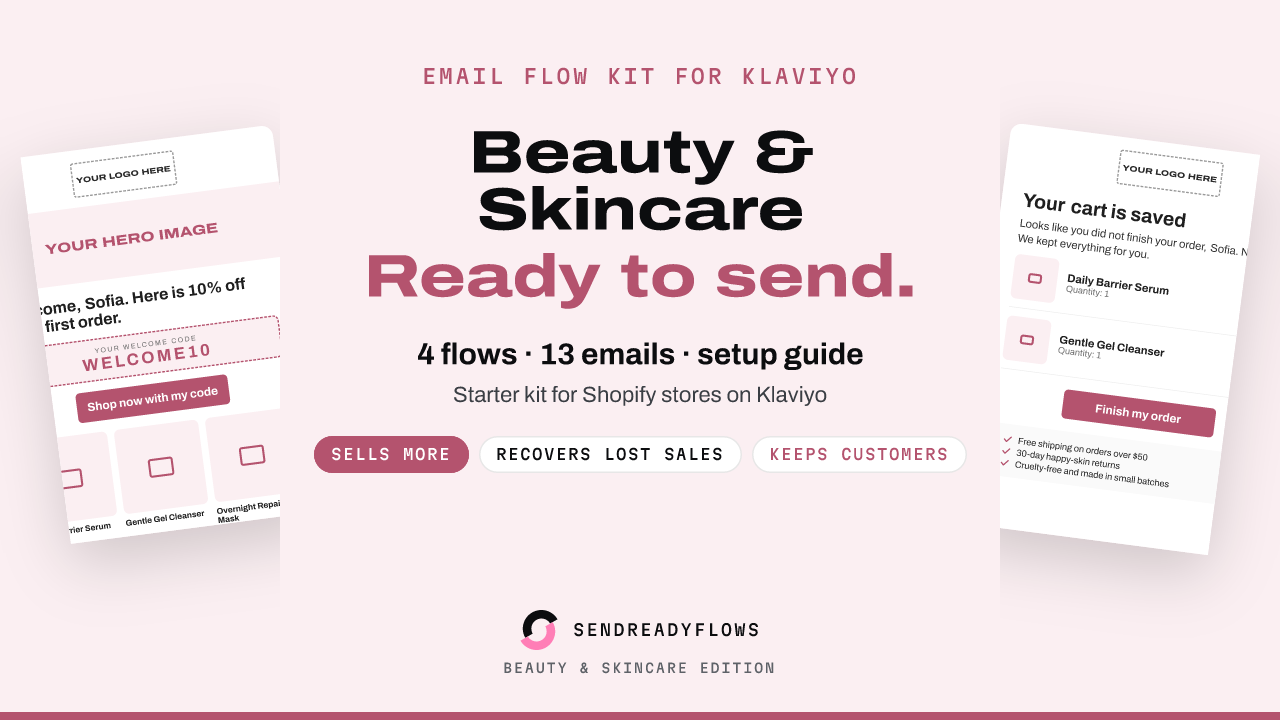
Starter Email Flow Kit for Klaviyo: Beauty and Skincare Edition
$12 one-time, instant download
Get the kitWritten with AI help and checked before publishing. Not affiliated with Klaviyo or Shopify. A SHOK venture (shok.company). Owned and operated by Brinvik (brinvik.com), CVR 46724399