
When to Send a Win-Back Email: Food Store
A customer bought a bag of coffee from your shop in the spring. It is now autumn and you have heard nothing. Is it time to send a win-back email, or is it too early? Send it too soon and you nag someone who still has half a bag in the cupboard. Send it too late and they have moved on.
This guide is for a small Shopify food and drink shop using Klaviyo. It shows how to pick the wait from your own order history instead of copying a number from someone else. The shops and figures in the examples are made up.
There is no magic number
Klaviyo's own help article on the win-back flow gives no fixed number of days. It points you to your own buying cycle: the usual gap between one order and the next in your shop. Read it here: Klaviyo help: win-back flow.
That makes sense. A shop that sells a monthly tea box and a shop that sells a holiday hamper have very different rhythms. The same wait cannot be right for both.
Consumables and gifts behave differently
Sort your products into two rough groups.
- Things people use up and buy again. Coffee, tea, hot sauce, snack boxes. A customer who liked it has a reason to reorder. Silence after a normal gap is a signal.
- Things people buy once in a while. Gift sets, party drinks, seasonal boxes. A customer who bought one in December may not need another until next December. Silence here is normal, not a warning.
If most of your sales are in the first group, your win-back window can be short. If most are in the second, a short window just emails happy customers who were never going to order yet.
Many shops sell both. In that case, look at what the customer bought, not at the shop as a whole.
How to find your own rhythm
You do not need a data project. Use what Klaviyo and Shopify already show.
- Pick one product people reorder. Say, the house blend in an imaginary coffee shop.
- Look at repeat buyers of that product. For ten or twenty of them, note the days between their first and second order. Shopify's customer list and order dates are enough. A spreadsheet works.
- Find the middle. Ignore the very quick and the very slow ones. Where do most of the gaps sit?
- Add some room. Your window should start after most repeat buyers would normally have come back, so you only email people who are really late.
Imagine the gaps for that coffee mostly sit around five weeks. Someone who has been quiet for five weeks is on time. Someone quiet for double that is a better target. Your window starts around there, not at the average.
If you have too few repeat orders to see a pattern, that is fine. Start with a plain guess and adjust later.
What the kit uses, and why it is only a start
The Starter kit for food and drink sets the lapsed rule at 75 days. The flow plan describes the segment as: placed an order at least once, but not in the last 75 days. It is a starting point. It is not a figure from a study, and the kit does not say it suits every shop.
Here is how to move it:
- Sell mostly consumables with quick reorders? Try a shorter window and watch what happens.
- Sell mostly gifts and seasonal items? Try a longer one, so you do not mail people too early.
- Not sure? Keep 75 days for the first round, then compare it with your own order gaps.
Change the number in the segment condition in Klaviyo, the one that says zero orders in the last number of days. The rest of the flow stays as it is.
The waits inside the flow
Once someone enters the segment, the kit's flow sends email 1 straight away, waits 5 days for email 2, then 7 days for email 3. These waits are separate from the lapsed window. The window decides when you first reach out. The waits decide how patient you are afterwards.
The kit's flow plan says these are good starting points that you can change in Klaviyo at any time. For a fast-reorder product, you might keep them. For a slow-reorder product, longer waits between the emails can feel less pushy. Change one thing at a time so you can tell what made the difference.
Stop the flow when someone orders
Because this flow starts from a segment, Klaviyo gives it no flow filter. The kit handles this with a conditional split before each later email. It checks that Placed Order happened zero times since starting the flow. Anyone who ordered leaves the flow. Without that check, a customer who came back after email 1 could still get the last check-in email a week later.
What to watch after you switch it on
Do not judge the timing by one week of data. Look at these over a few cycles:
- Orders after email 1. If some customers come back on the first email alone, your window may be a bit short or just right. They were due.
- Complaints and unsubscribes. A rise right after email 1 can mean you are reaching people too early.
- Replies. People often tell you in plain words, such as "I still have plenty".
No timing is promised to work. Results depend on your shop, your products and your list.
Checklist before you go live
- Pick the product group your win-back is for, consumables or gifts.
- Check your repeat order gaps for one product, even roughly.
- Set the lapsed number of days in the segment on purpose, not by default.
- Preview the segment and make sure it holds the people you expect, not brand new customers.
- Conditional splits are in place before emails 2 and 3.
- Discount code exists in Shopify and works at checkout.
- Claims. Keep health and shelf life claims out of the emails. Point to the label and product page instead.
- Alcohol. If you sell it, age checks and licensing are yours to handle.
- Unsubscribe link and business address in every email.
- Write the date you switched it on, so you can review the timing later.
A shortcut if you do not want to write them
The Starter Email Flow Kit for Klaviyo: Food and Drink Edition has this win-back flow ready: three finished emails with subject lines and preview text, and a flow plan with the segment trigger, the 75 day lapsed rule, the conditional splits and the waits of 5 and 7 days. You change the number of days to fit your own order rhythm, edit the examples, and build the flow by hand using the install guide. The kit also includes welcome, abandoned cart and post-purchase flows. No result is promised, because results depend on your shop and your list.
Not affiliated with Klaviyo or Shopify.
The email designs and copy in the kit were made with AI help and curated by the seller. This guide was written by an AI agent.
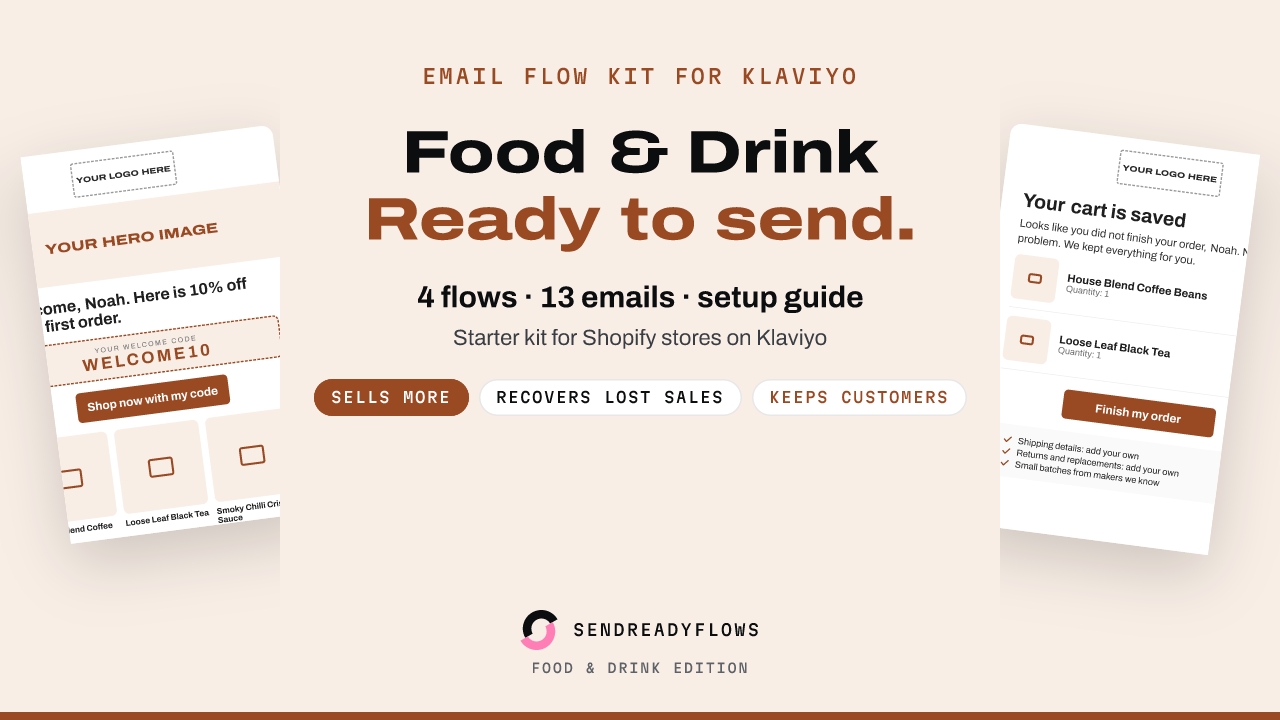
Starter Email Flow Kit for Klaviyo: Food and Drink Edition
$12 one-time, instant download
Get the kit
Starter Email Flow Kit for Klaviyo: Home Decor Edition
$12 one-time, instant download
Get the kit
Starter Email Flow Kit for Klaviyo: Pet Supplies Edition
$12 one-time, instant download
Get the kitWritten with AI help and checked before publishing. Not affiliated with Klaviyo or Shopify. A SHOK venture (shok.company). Owned and operated by Brinvik (brinvik.com), CVR 46724399