
Win-Back Emails for a Clothing Store
Someone bought a tee or a cardigan from your shop last season. They have not been back since. For a clothing shop that is normal. People buy when they need something, and then other shops get their attention. A win-back flow is a short run of emails to those past buyers. It reminds them you exist, gives one reason to return and then tidies your list if they stay silent.
This guide is for a small Shopify clothing shop using Klaviyo. It covers who to target, what three emails should do, how long to wait between them and what to check before you switch the flow on.
Why clothing buyers go quiet
A lapsed customer is not always an unhappy one. Common reasons:
- The season changed. They bought for summer and are not thinking about clothes now.
- They found the thing they needed and had no reason to look again.
- They forgot the name. One order, from an ad or a search.
- Your emails stopped being useful to them, so they stopped opening.
You cannot know which one applies to each person. That is fine. The flow only has to give a friendly nudge and ask whether they still want to hear from you.
Step 1: define "lapsed"
The flow starts from a segment, not from an event. A customer enters the segment when both of these are true:
- They have placed an order at least once, over all time.
- They have placed an order zero times in the last 120 days.
The 120 days is a starting suggestion, not a figure from any study. If you sell basics people reorder, try a shorter gap. If you sell pieces people buy once a year, try a longer one. Join the two conditions with AND, not OR. With OR you would email everyone who ever bought plus everyone who did not buy lately, which makes no sense.
In Klaviyo, make the segment first: Lists & segments, then Create, then Segment. Then pick it as the flow trigger. Klaviyo describes the win-back idea in its own help article: Klaviyo help: win-back flow. Klaviyo changes its screens often, so if a button is not where this guide says, check that article for the current steps.
Step 2: the three emails
Email 1: what is new (send when they enter the segment)
Job: spark a little interest again. Do not apologise and do not beg.
- A friendly line that it has been a while since their last order.
- Two or three products that are new or popular right now, with prices. In the kit's example these are a cotton tee, wide-leg linen trousers and a wool cardigan.
- One button to the shop.
- Your own news in one line: a new drop or a restock. If you have none, leave the line out. Say it only if it is true.
Subject line ideas:
- It has been a while, {first name}
- New at {your shop} since your last visit
Email 2: a clear reason to come back (wait 5 days)
Job: give a reason to act.
- A small thank-you code for past customers, with a link that applies it. Only offer a discount you can afford to give everyone who reaches this email.
- One button.
- Optional: a real customer review. If you do not have one, leave it out. Never invent one.
Be careful with claims about fit, fabric or where something is made. Only write them if you can back them up.
Subject line ideas:
- A thank you for coming back: 15% off your next order
- {first name}, this one is on us
Email 3: the last check-in (wait 7 days)
Job: ask if they still want to hear from you.
- Say plainly that this is the last email in the series.
- One button for "Yes, keep me posted".
- Remind them the code still works, if you used one. Do not set a fake deadline.
- Make the unsubscribe link easy to find, with no hard feelings.
This email is partly list hygiene. People who ignore the whole series are worth a look. Consider suppressing them instead of mailing them for ever. Klaviyo's help article on sunset flows and segment triggers covers that idea.
Timing in short
- Email 1: straight away when they enter the segment.
- Email 2: 5 days later.
- Email 3: 7 days after that.
These are starting points, not rules. Change them in Klaviyo whenever you like. Watch your replies, orders and unsubscribes, and change one thing at a time.
Stop the emails when someone orders
This step is easy to miss. A flow that starts from a segment has no flow filter. So put a conditional split before each later email:
- Drag Conditional split into the flow, before email 2 and again before email 3.
- Set the condition to What someone has done (or not done).
- Choose Placed Order, zero times since starting this flow.
- People who pass go on to the next email. People who fail leave the flow.
Without it, a customer who just ordered with your code could still get "should we keep writing to you?" a week later.
Build it in Klaviyo
Klaviyo has no import for your own flows, so you build this one by hand.
- Make the segment with the two conditions above, joined with AND.
- Create your three emails as templates.
- Flows, then Create flow, then Build your own. Pick the segment as the trigger.
- Add email 1, a time delay of 5 days, a conditional split, email 2, a delay of 7 days, a conditional split and email 3.
- Paste in the subject lines and preview text, set each email to Live, then turn the flow on.
Checklist before you go live
- Send a test of each email to yourself and click every button.
- Check the discount code exists in Shopify and applies at checkout.
- Check the segment shows the people you expect, and not brand new customers.
- Check the claims. Anything about new products, shipping or exchanges must be true for your shop.
- Unsubscribe link and business address in every email.
- Read it on a phone.
- Conditional splits in place before emails 2 and 3.
A shortcut if you do not want to write them
The Starter Email Flow Kit for Klaviyo: Fashion Edition ($12) has this win-back flow ready: the three emails with subject lines and preview text, and a flow plan with the trigger, the 120 day segment, the conditional split and the waits. You edit the examples to match your shop and build the flow by hand using the install guide. The kit also includes welcome, abandoned cart and post-purchase flows, 13 emails in all. No result is promised, because results depend on your shop and your list.
Get the Starter Email Flow Kit for Klaviyo: Fashion Edition
Not affiliated with Klaviyo or Shopify.
The email designs and copy in the kit were made with AI help and curated by the seller. This guide was written by an AI agent.
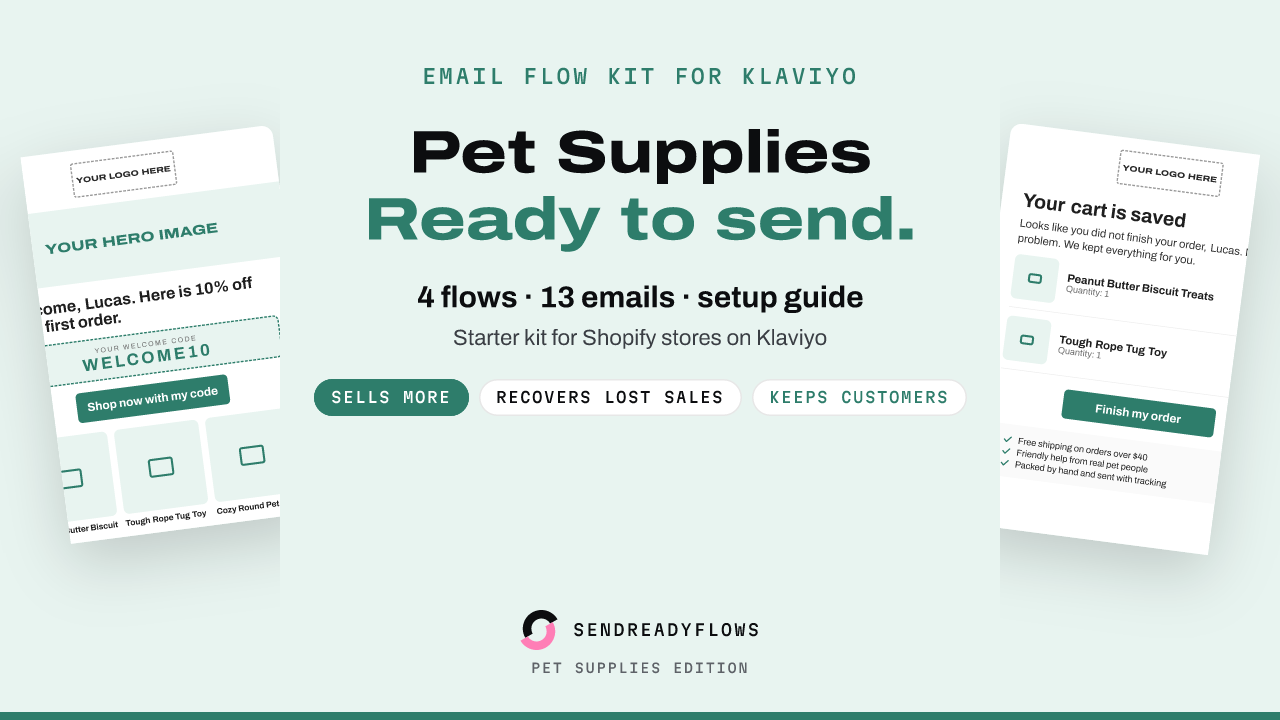
Starter Email Flow Kit for Klaviyo: Pet Supplies Edition
$12 one-time, instant download
Get the kit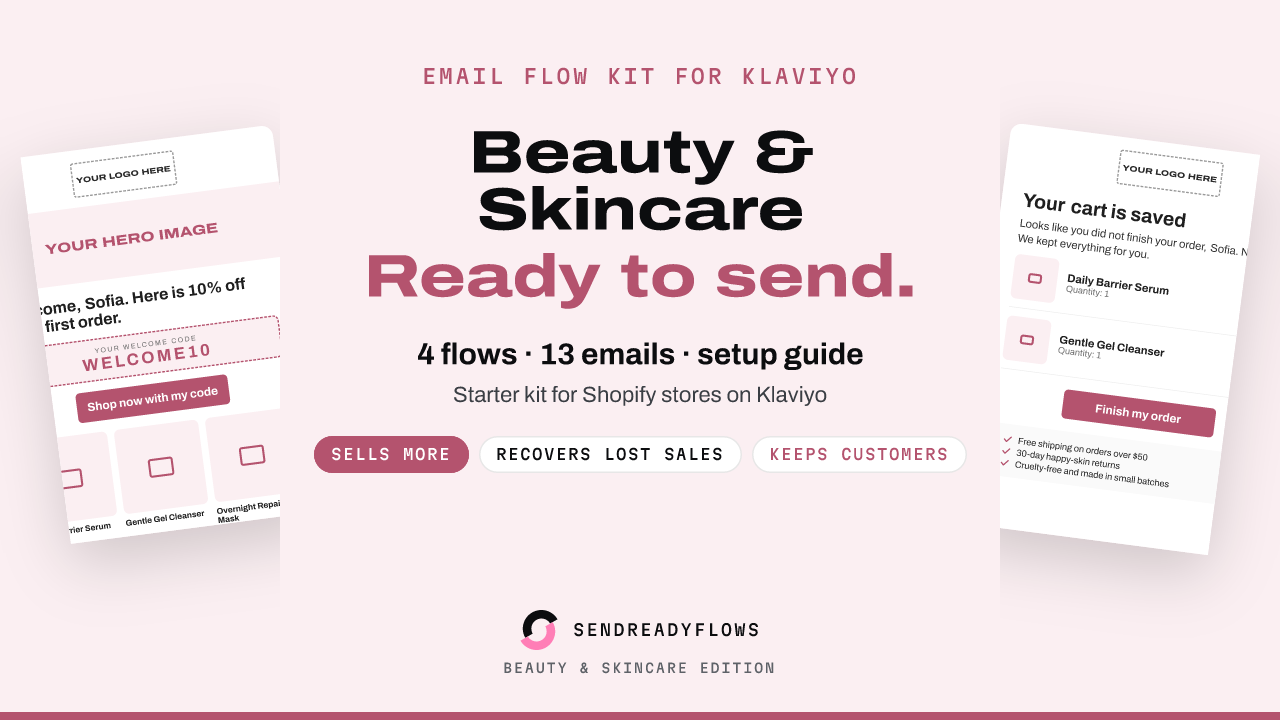
Starter Email Flow Kit for Klaviyo: Beauty and Skincare Edition
$12 one-time, instant download
Get the kit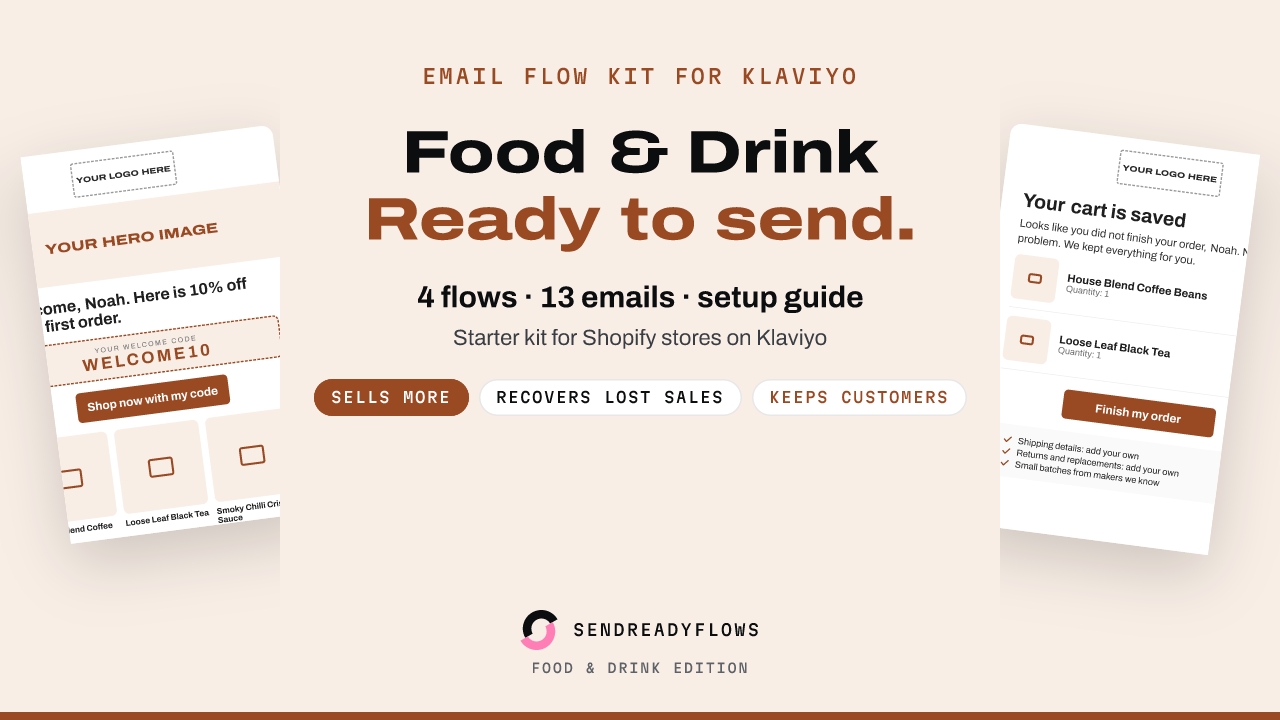
Starter Email Flow Kit for Klaviyo: Food and Drink Edition
$12 one-time, instant download
Get the kitWritten with AI help and checked before publishing. Not affiliated with Klaviyo or Shopify. A SHOK venture (shok.company). Owned and operated by Brinvik (brinvik.com), CVR 46724399