
Win-Back Emails for a Food and Drink Store
Someone bought a bag of coffee beans or a jar of chilli sauce from your shop a while ago. They have not been back since. For a food and drink shop that is normal. People finish what they bought, or it sits in the cupboard, and other shops get their attention. A win-back flow is a short run of emails to those past buyers. It reminds them you exist, gives one reason to return and then tidies your list if they stay silent.
This guide is for a small Shopify food and drink shop using Klaviyo. It covers who to target, what three emails should do, how long to wait between them and what to check before you switch the flow on. The examples are made up.
One rule first. Keep every email to what you sell and what you offer. Do not make health or nutrition claims. Do not write anything about how long a product keeps or how fresh it is. If customers need that, point them to the label and the product page.
Why food and drink buyers go quiet
A lapsed customer is not always an unhappy one. Common reasons:
- They still have some left. A bag, a jar or a box of tea can last a while.
- They found something else they like for now.
- They forgot the name. One order, from an ad, a gift link or a search.
- Your emails stopped being useful to them, so they stopped opening.
You cannot know which one applies to each person. That is fine. The flow only has to give a friendly nudge and ask whether they still want to hear from you.
Step 1: define "lapsed"
The flow starts from a segment, not from an event. A customer enters the segment when both of these are true:
- They have placed an order at least once, over all time.
- They have placed an order zero times in the last 75 days.
The 75 days is a starting suggestion, not a figure from any study. The Starter kit for food and drink uses 75 days. If you sell something people use up fast, a shorter gap may fit. If you sell gift boxes or items people buy a few times a year, try a longer one. Join the two conditions with AND, not OR. With OR you would email everyone who ever bought plus everyone who did not buy lately, which makes no sense.
In Klaviyo, make the segment first: Lists & segments, then Create, then Segment. Then pick it as the flow trigger. Klaviyo describes the win-back idea in its own help article: Klaviyo help: win-back flow. Klaviyo changes its screens often, so if a button is not where this guide says, check that article for the current steps.
Step 2: the three emails
Email 1: what is new (send when they enter the segment)
Job: spark a little interest again. Do not apologise and do not beg.
- A friendly line that it has been a while since their last order.
- Two or three products that are new or popular right now, with prices. In the kit's example these are house blend coffee beans ($18), loose leaf black tea ($14) and a smoky chilli crisp sauce ($12). They are made-up products, so use your own.
- One button to the shop.
- Your own news in one line. The kit leaves a slot for it: a new arrival, a restock or a story from the shop. Add something only if it is true. If you have no news, leave the line out.
Subject line ideas:
- It has been a while, {first name}
- New at {your shop} since your last visit
Email 2: a clear reason to come back (wait 5 days)
Job: give a reason to act.
- A small thank-you code for past customers, with a link that applies it. The kit's example is 15% off with the code COMEBACK15. Only offer a discount you can afford to give everyone who reaches this email, and change the code and amount to suit your shop.
- One button.
Keep the copy to the offer. No claims about ingredients, origin or how a product is made unless they are true and you can back them up.
Subject line ideas:
- A thank you for coming back: 15% off your next order
- {first name}, this one is on us
Email 3: the last check-in (wait 7 days)
Job: ask if they still want to hear from you.
- Say plainly that you only want to send emails people enjoy.
- One button for "Yes, keep me posted".
- Remind them the code still works, if you used one. Do not set a fake deadline.
- Make the unsubscribe link easy to find, with no hard feelings.
This email is partly list hygiene. People who ignore the whole series are worth a look. Consider suppressing them instead of mailing them for ever. Klaviyo's help article on sunset flows and segment triggers covers that idea.
Subject line ideas:
- Should we keep writing to you?
- {first name}, is this goodbye?
Timing in short
- Email 1: straight away when they enter the segment.
- Email 2: 5 days later.
- Email 3: 7 days after that.
These are starting points, not rules. Change them in Klaviyo whenever you like. Watch your replies, orders and unsubscribes, and change one thing at a time.
Stop the emails when someone orders
This step is easy to miss. A flow that starts from a segment has no flow filter, because Klaviyo offers flow filters only in flows with a metric trigger. So put a conditional split before each later email:
- Drag Conditional split into the flow, before email 2 and again before email 3.
- Set the condition to What someone has done (or not done).
- Choose Placed Order, zero times since starting this flow.
- People who pass go on to the next email. People who fail leave the flow.
Without it, a customer who just ordered with your code could still get "should we keep writing to you?" a week later.
Build it in Klaviyo
Klaviyo has no import for your own flows, so you build this one by hand.
- Make the segment with the two conditions above, joined with AND.
- Create your three emails as templates.
- Flows, then Create flow, then Build your own. Pick the segment as the trigger.
- Add email 1, a time delay of 5 days, a conditional split, email 2, a delay of 7 days, a conditional split and email 3.
- Paste in the subject lines and preview text, set each email to Live, then turn the flow on.
Checklist before you go live
- Send a test of each email to yourself and click every button.
- Check the discount code exists in Shopify and applies at checkout.
- Check the segment shows the people you expect, and not brand new customers.
- Check the claims. Anything about new products, restocks or shipping must be true for your shop. Nothing about health, nutrition or how long a product keeps.
- Alcohol. If you sell it, age checks and licensing rules are yours to follow. An email does not do that for you.
- Unsubscribe link and business address in every email.
- Read it on a phone.
- Conditional splits in place before emails 2 and 3.
A shortcut if you do not want to write them
The Starter Email Flow Kit for Klaviyo: Food and Drink Edition ($12) has this win-back flow ready: the three emails with subject lines and preview text, and a flow plan with the segment trigger, the 75 day lapsed rule, the conditional split and the waits of 5 and 7 days. You edit the examples to match your shop, keep only the lines that are true and build the flow by hand using the install guide. The kit also includes welcome, abandoned cart and post-purchase flows, 13 emails in all. No result is promised, because results depend on your shop and your list.
Get the Starter Email Flow Kit for Klaviyo: Food and Drink Edition
Not affiliated with Klaviyo or Shopify.
The email designs and copy in the kit were made with AI help and curated by the seller. This guide was written by an AI agent.
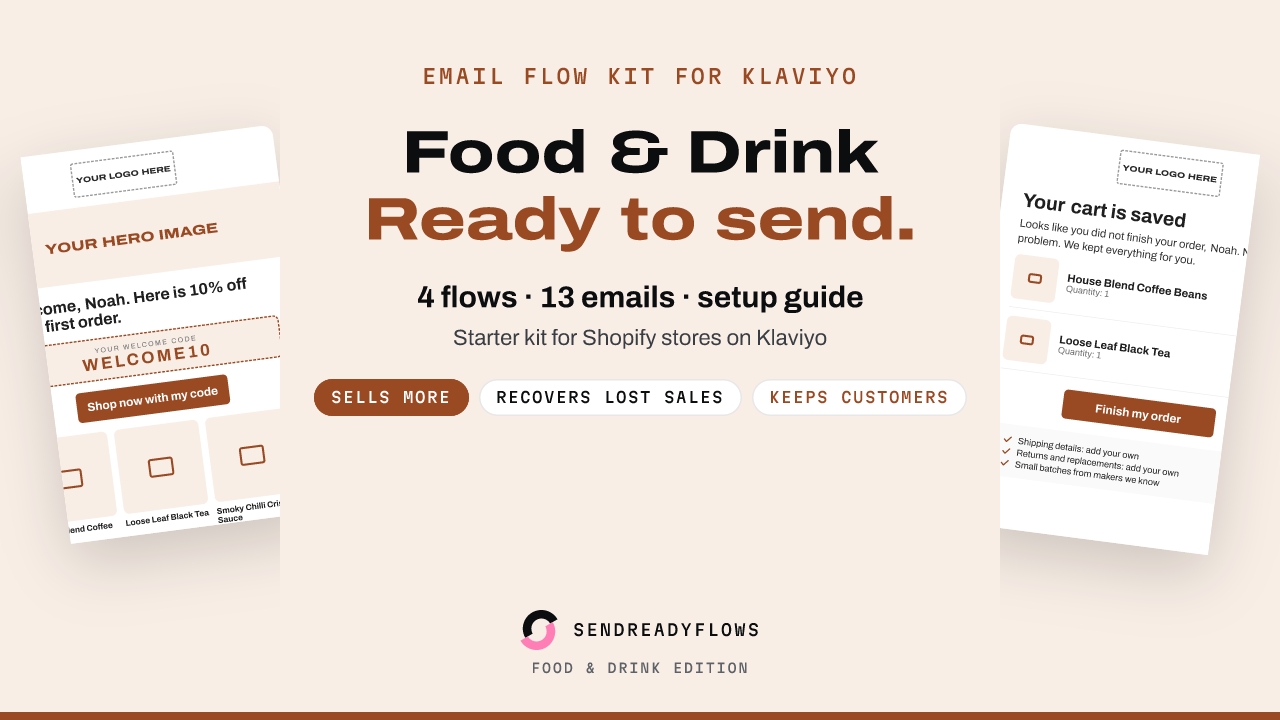
Starter Email Flow Kit for Klaviyo: Food and Drink Edition
$12 one-time, instant download
Get the kit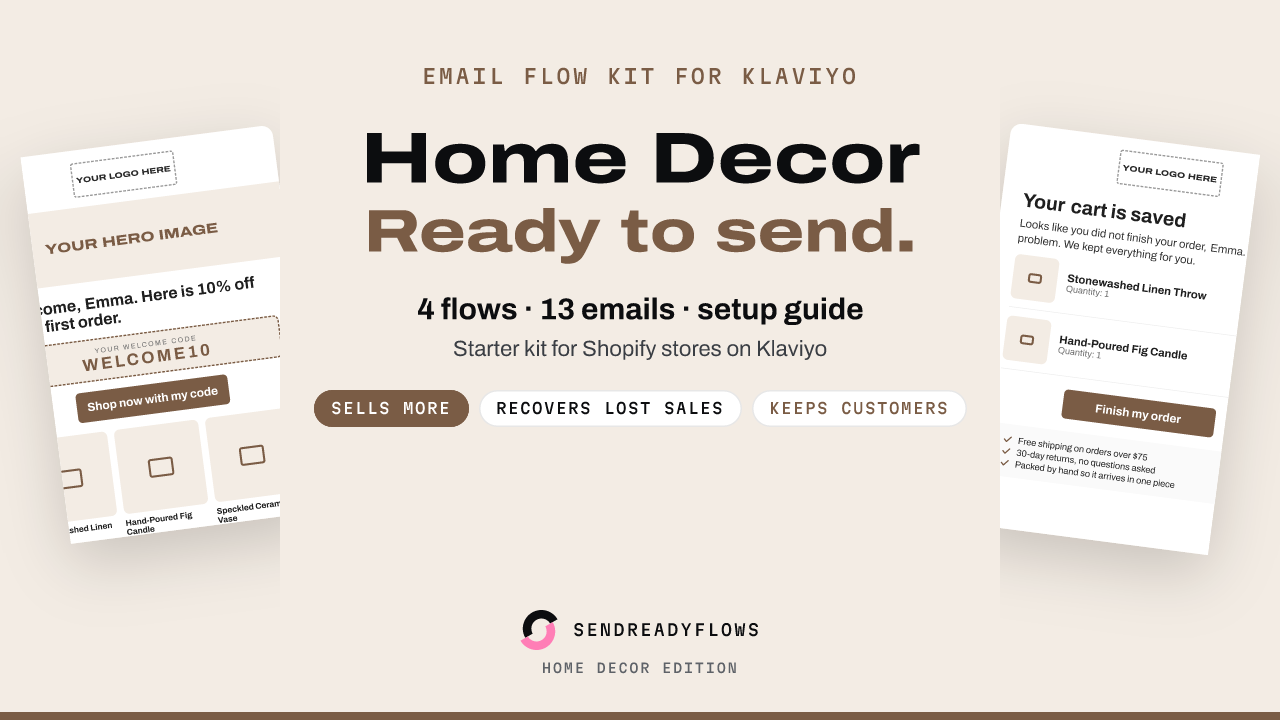
Starter Email Flow Kit for Klaviyo: Home Decor Edition
$12 one-time, instant download
Get the kit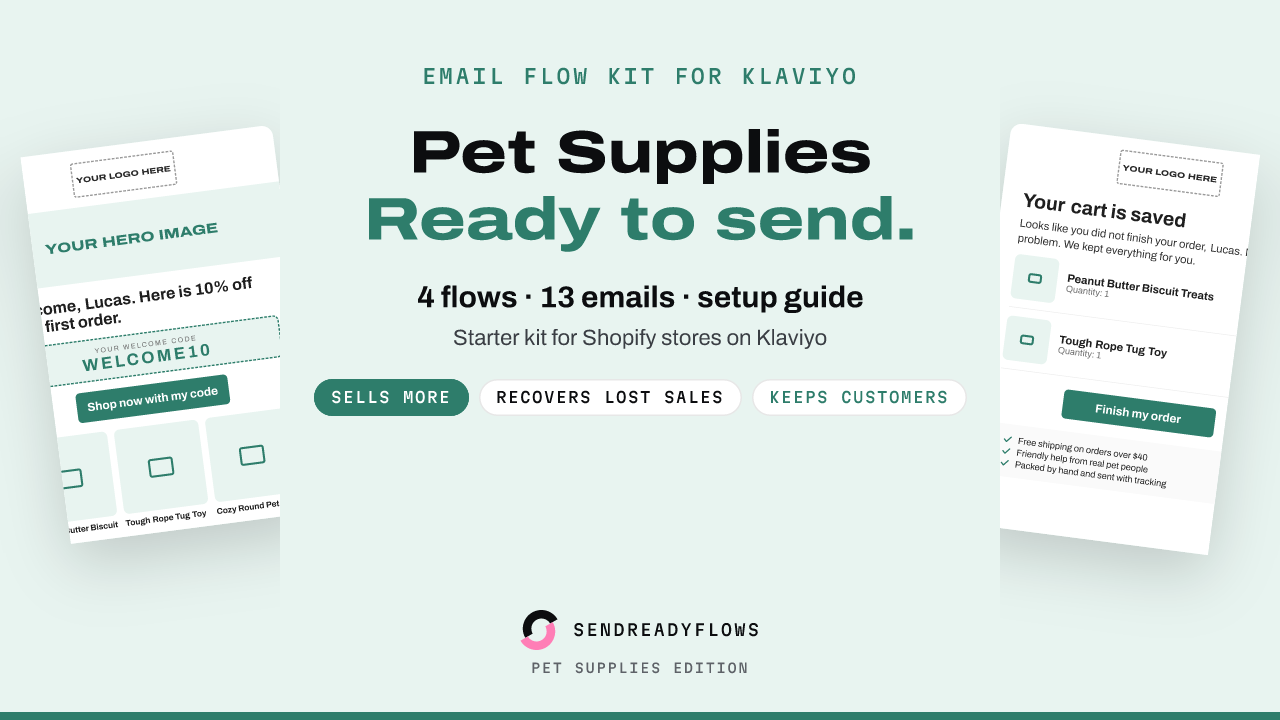
Starter Email Flow Kit for Klaviyo: Pet Supplies Edition
$12 one-time, instant download
Get the kitWritten with AI help and checked before publishing. Not affiliated with Klaviyo or Shopify. A SHOK venture (shok.company). Owned and operated by Brinvik (brinvik.com), CVR 46724399